Injection Molding Machine Chapter 4
V3.0
4-35
B SPACE:sampling interval,for example,3 means skip 3 mold before take next sample.
C SAMPLE:set how many continuous samples to be taken,for example sample=2,
space=3,take 2 continuous samples then skip 3 continuous samples the take 2
continuous sample again….
D Move the cursor to AVG,it would change the band scale from 1 to 200 for easy reading.
F6:Press F6 can update curve display.
F4:Press F4 can clear the DATA on screen.
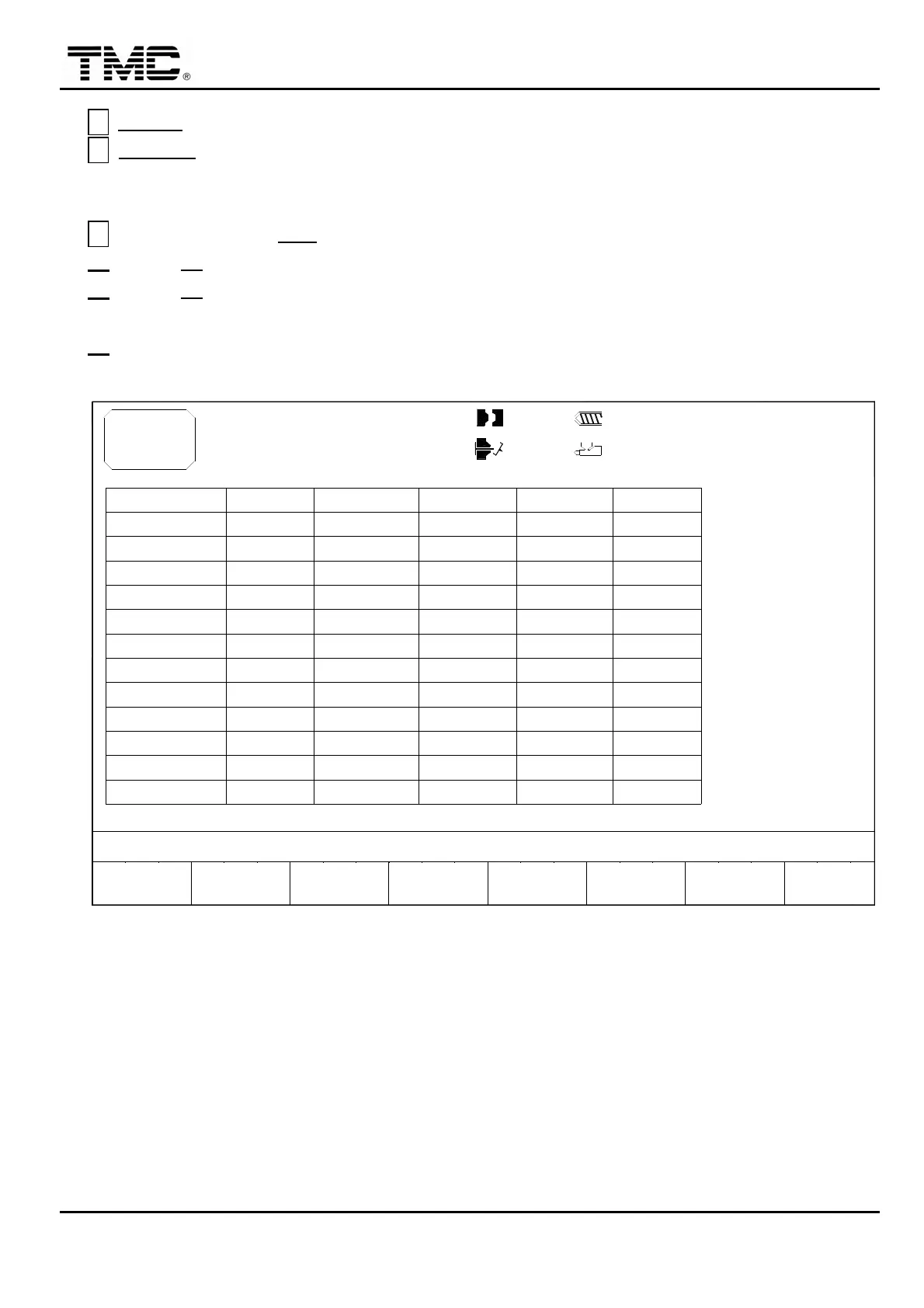
F3:Next page,it is the statistics for main items
10h25m10s
20°C
03D05M07Y
F2F1
MENU
01
PAGE UP
TEMP 5
TEMP 6
CYCLE T.
TEMP 3
TEMP 4
TEMP 1
TEMP 2
INJ. START
CHARGE T.
INJ. P.
INJ. T.
INJ. END
SAMPLE X
3W
CLEAR
F3 F4
DATA
F5 F6 F7 F8
100.0mm
100.0mm
MIN.S.D.M.D.
1.0mm
MAX.
110.0mm 0/ 0
0/ 0 0/ 0P1: P2:
0/ 0V1: V2:
ACTION STATUS
M:
LAST MOLD C.: 10
M.D. MEAN DEV.
S.D. STANDARD DEV.
MAX. MAX VALUE
MIN. MIN VALUE
X MATH. AVARAGE
SPC
Screen 4-21


 To Next Page
 Loading...