Injection Molding Machine Chapter 4
V3.0
4-36
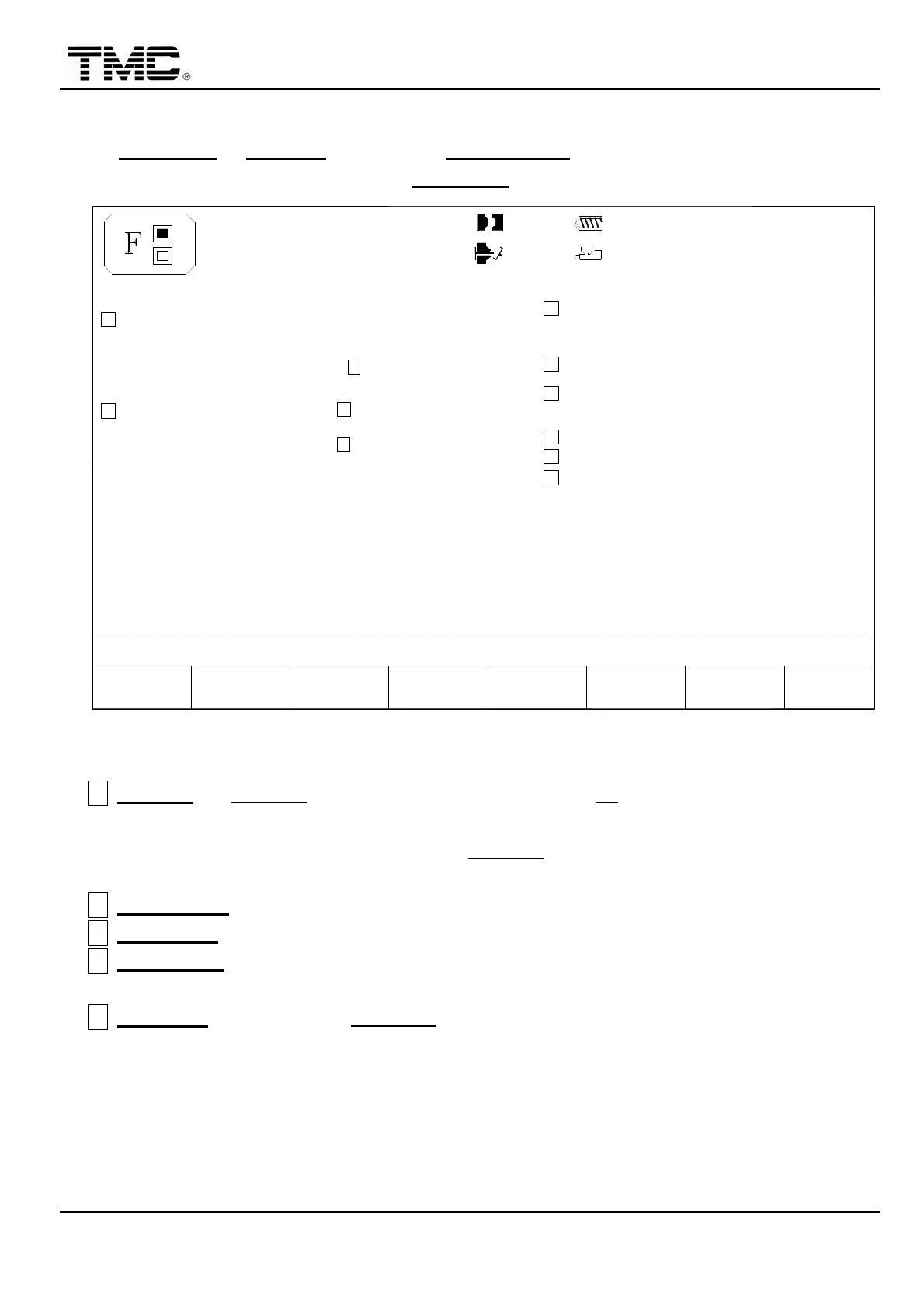
2.18 Function setting/Pressure testing
On INJECTION or CHARGE screen press F7 FUNCTION
,
or use the direction key to move
the cursor on the main menu screen to FUNCTION
,
press ENTER to display this screen.
10h25m10s
20°C
**********
**********
**********
**********
03D05M07Y
SHIPPING DATE:
F2F1 FUNCT.
MENU
01
PARAMETER
USER'S ROM V.
PLC.'S ROM V.
SCREEN ROM V.
P.W. 3 SET
17H.25M.00S.
SYSTEM. S/N:
3W.
P.W. 4 SET
REVISE T.
E
P.W. 1 SET
P.W. 2 SET
F
3W
MACHINE No.:
INTERF3 F4 TESTHYD.
OIL HEAT PRESSURE
F5 F6CHANGE
LOG -NAL I/O
SHOT
CNT RST
F7 F8EXTERN
-NAL I/O
100.0mm
50.0mm
PART LOTS BUZZ T.
ALARM INTERVAL T.
BUZZER DISABLED
ON
SCREEN SLEEP
TEMP REC.MODE
TEMP REC.TIME
SPC.PRINTK
SCREEN PRINT
COUNT RESET
SHOT-CNT
H
J
C
TEMP.UNIT
OFF
OFF
20
D
LANGUAGE
A
OFF
1234
B
OFF
OFF
I
TEST P1
PRESS.UNIT
TEST P2
P.W. 1 NOT USE
ACTION STATUS
PUMP 2
M:
110.0mm
1.0mm
OFF
OFF
G
ALARM T.
< 10.0>
OFF
OFF
(0:CHI, 1:ENG, 2:OTR)
0 (0:°C, 1:°F)
0
(0:Bar, 1:PSI)
V1
< 0>
< 0>
0
V2
< 50>
< 50>
OFF
0/ 0 0/ 0V1: V2:
< 1.0>
< 0.5>
P1: 0/ 0 P2: 0/ 0
(0:OFF ,2:USB)
SUM_CHECK: L_PASS /S.V.RAM. /EEPROM :
20070213
MT07021201
O O O / 7611 / 318 / 318
V1.41 TMNOF04-20-2007
V1.00
: TM11-US M98-SYS
: M98-TM11 PLC OS 04-30-2007
04-30-2007
V1.00
: M98-TM11 SCREEN OS
SYSTEM. TYPE:
M98_TM11
26D.12M.07Y.
Screen 4-22
A
TEST P1
:
At TEST P1
,
key in testing pressure value
,
at V1
the value is about 50
,
press
F4 to set function ON to test the pressure
,
at this time
,
the main pressure gauge on the
operation panel will rise to the set value of TEST P1
,
if the reading on the pressure gauge
is far from set value
,
pressure linearity shall be re-adjusted.
B
PRESS UNIT:
BAR or PSI can be selected as pressure unit.
C
TEMP UNIT
:
℃
or
℉
can be selected as temperature unit.
D
LANGUAGE
:
0
,
1
,
2 can be selected to change display language
,
after change to another
screen
,
language will be switched automatically.
E
REVISE T.:
Move cursor to REVISE T.
,
key in correct time and date press ENTER. Use
the 24-hour time format.
Week:
0
:
Sunday. 1
:
Monday.
2
:
Tuesday. 3
:
Wednesday.
4
:
Thursday. 5
:
Friday.
6
:
Saturday.


 To Next Page
 Loading...