Second, the key function introduction:
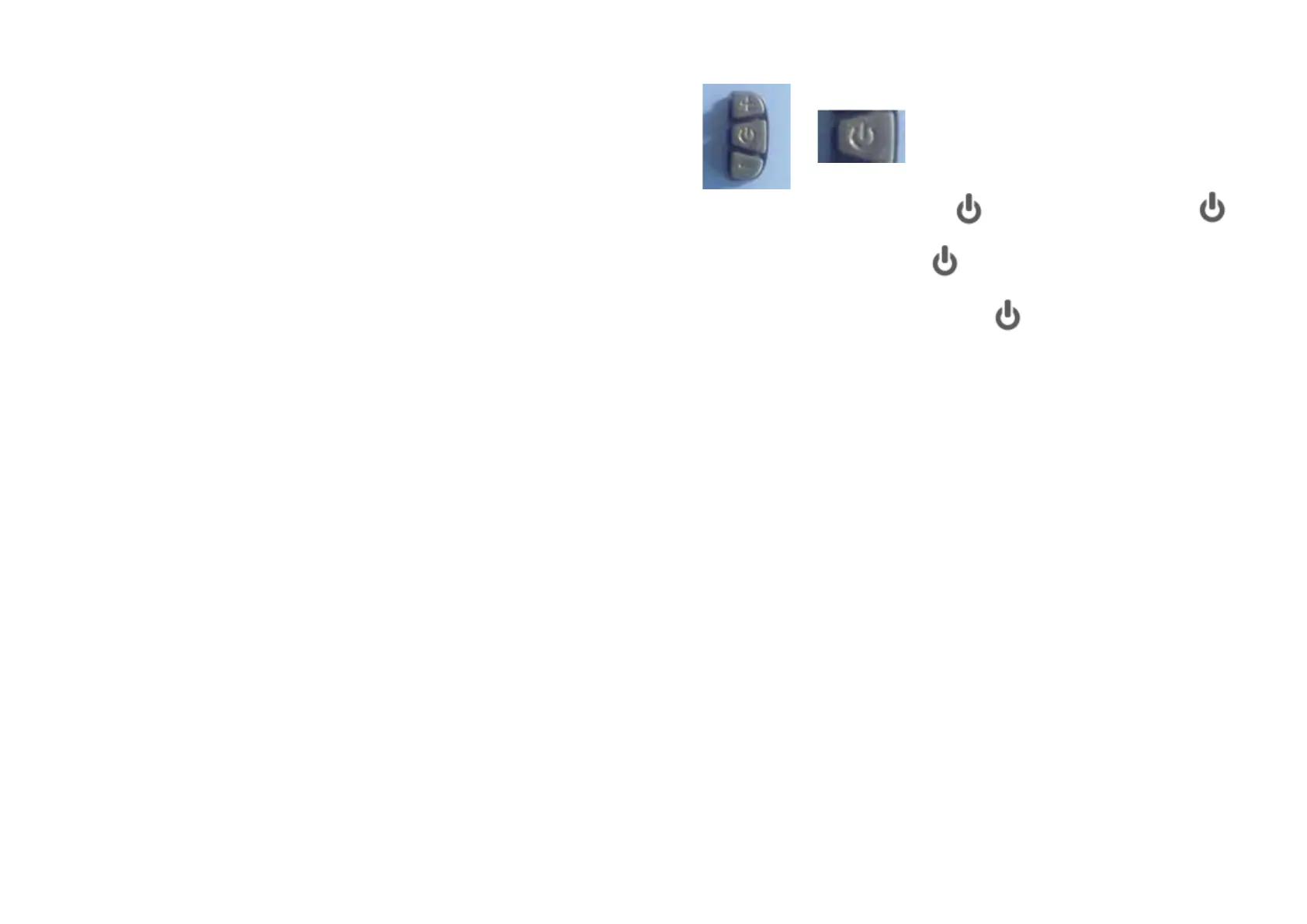
Short press + or - key to change speed state,press + key is used to
increase the maximum speed of the vehicle,press - key is used to r
educe the maximum speed of the vehicle,the default speed third gear,
the 1 slowest, 3 fastest。
Parameter numerical modification:
Access parameter is set to meet, transferred to want to adjust the
parameters, through the + key and - key to increase or reduce the
value of parameter, confirm the change after long press the + key
and - key to exit the parameter settings, shut down, restart that modify
the parameters to complete。
4、The turn adjusting motor speed, from top to bottom toggle, motor
speed increase;Loosen the turn speed to zero。
5、If the display have a light function,long press – key to open the light。
4 . Speed display area
Unit MPH, KM/H
Speed signal from the Holzer signal in the motor, the controller send
instrument,
(A single Holzer cycle time,单位: 1MS)
The instrument according to the wheel diameter and signal data(Holzer
also need to set the number of motor magnetic steel),Calculate the
actual speed
5. Parameter setting and definition
P01: The backlight brightness, 1 levels of the dark, the 3 level is the
brightest;
P02: Distance unit, 0:KM; 1:MILE;
P03: Voltage grade: 24V, 36V, 48V, default 36V;
P04: Sleep time:0, Don't sleep; Other figures for the sleep time,
Range: 1-60;Unit minutes;
P06: Wheel diameter:Unit,inch; Precision:0.1;
P07: Speed magnetic steel number: Range:1-100;
P09: Zero start, non-zero start up settings,0:Zero start;1:non-zero start;
P12: Starting torque: Range:0-5,0 The weakest, 5 The strongest;
P14: Controller for limiting value setting default 12A Range:1-20A;(Need
controller software support)
P15: Maximum speed set to slow gear vehicle, fast file does not work;
ODO: ODO reset (Long press – or + button for 5-6 seconds reset)
1、Shut down state, short press key to boot,short press the key,
interface switching between ODO, TRIP, RM, TM, ERRO;
2、The boot state,long press key to shut down;
3、Long press + and - key to enter the mode setting,
in the setting of interface, short press key to switch parameter;
Note: the part of the parameter is set, the shutdown restart to take effect.
PS: Because the company product upgrade products may display content
of the part you get will differ with the instructions, but will not affect your
normal use。
Any Questions Contact with TNE: info@tne-group.net
www.tne-scooter.com www.tne-group.net


 To Next Page
 Loading...