EasyManua.ls Logo

Toa IR-200BC - User Manual

Toa IR-200BC
8 pages
Print Icon
To Next Page IconTo Next Page
Loading...
OPERATING INSTRUCTIONS
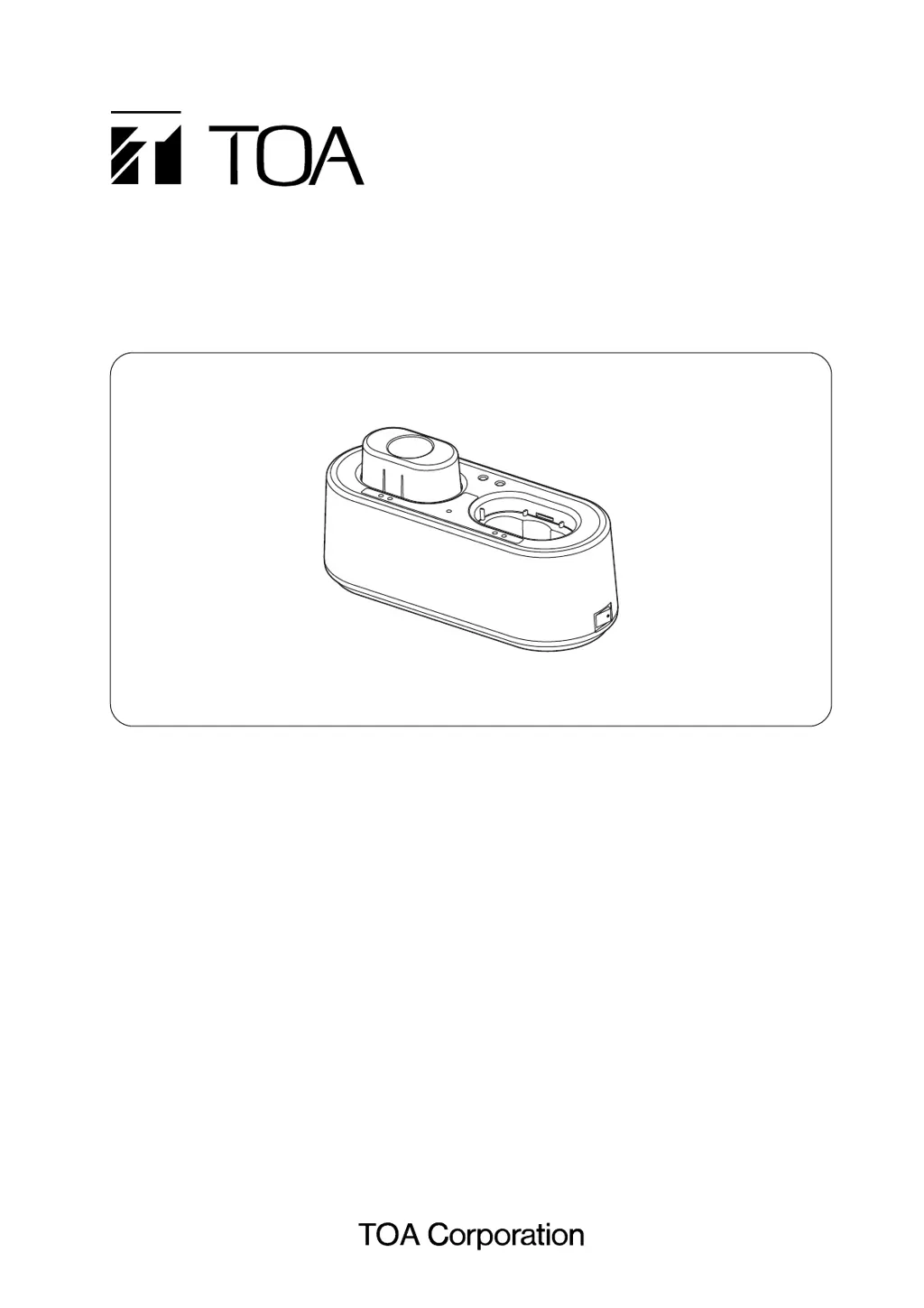
BATTERY CHARGER IR-200BC
1. SAFETY PRECAUTIONS ........................... 2
2. GENERAL DESCRIPTION ......................... 3
3. HANDLING PRECAUTIONS ...................... 3
4. NOMENCLATURE AND FUNCTIONS ....... 4
5. CHARGING ................................................. 5
6. TROUBLESHOOTING ................................ 7
7. SPECIFICATIONS ...................................... 8
Accessories ................................................. 8
Thank you for purchasing TOA's Battery Charger.
Please carefully follow the instructions in this manual to ensure long, trouble-free use of your equipment.
TABLE OF CONTENTS

Questions and Answers

  • R
    Ricky BuchananAug 9, 2025
    What to do if both charging and full-charge indicators light alternately on Toa IR-200BC Battery Charger?
    • B
      Brianna ChandlerAug 9, 2025
      If the charging indicator (red) and the full-charge indicator (green) light alternately on your Toa Battery Charger, it could be due to several reasons. First, ensure you are using a dedicated IR-200BT rechargeable battery in the microphone. Second, check the microphone receptacle for any foreign objects, such as metals, and remove them. If the battery is old, consider replacing it with a new one. Finally, make sure the infrared wireless microphone's power switch is in the OFF position. Detach the microphone from the charger, set the power switch to OFF, and then reinsert the microphone.
  • H
    Haley WellsAug 14, 2025
    Why does the full-charge indicator always light up quickly on Toa IR-200BC Battery Charger?
    • V
      vbakerAug 14, 2025
      If the full-charge indicator on your Toa Battery Charger lights up almost immediately, it is likely that the dedicated IR-200BT rechargeable battery has reached the end of its life cycle, which typically occurs after approximately 500 charges and discharges. The solution is to replace the rechargeable battery with a new one.
  • K
    Kimberly HouseAug 19, 2025
    What to do if full-charge indicator doesn't light after 3 hours on Toa Battery Charger?
    • J
      jeanne25Aug 19, 2025
      If the full-charge indicator does not light even after 3 hours of charging on your Toa Battery Charger, ensure that the infrared wireless microphone's power switch is set to OFF. If that doesn't resolve the issue, the battery may be at the end of its life and needs replacement.
  • W
    williamwallAug 25, 2025
    Why charging indicator doesn't light when microphone is inserted in Toa IR-200BC Battery Charger?
    • D
      daughertyjesseAug 25, 2025
      If the charging indicator (red) does not light even when the infrared wireless microphone is inserted into the microphone receptacle of your Toa Battery Charger, there are a few potential causes. First, confirm that you are using dedicated IR-200BT rechargeable batteries in the microphone. Second, ensure that the infrared wireless microphone is fully inserted into the charger as far as it can go. Finally, verify that the mounting adapter is correctly installed.
  • J
    joshuaadamsAug 29, 2025
    How to fix power indicator not lighting on Toa IR-200BC?
    • T
      Trevor WelchAug 29, 2025
      If the power indicator on your Toa Battery Charger does not illuminate when the power switch is turned on, first, check that the AC adapter is properly plugged into a working AC wall outlet. Second, ensure that the AC adapter plug is correctly connected to the charger's power input terminal.
  • M
    Matthew HernandezSep 3, 2025
    What to do if charging indicator flashes when inserting microphone into Toa Battery Charger?
    • B
      Bryan BaileySep 3, 2025
      If the charging indicator (red) flashes when you insert the infrared wireless microphone into the microphone receptacle of your Toa Battery Charger, it might be due to the ambient temperature being outside the permissible operating range of 0 to 40 degrees Celsius (32 to 104 degrees Fahrenheit). Try charging within the specified temperature range.

Toa IR-200BC Specifications

General IconGeneral
BrandToa
ModelIR-200BC
CategoryBattery Charger
LanguageEnglish

Related product manuals