2
Toast Flex 22" User Guide
Built for
Restaurants.
Like all our hardware, we designed the Toast Flex 22’’ to meet the demands of busy
restaurants, making it durable enough for everyday spills, grease, and heat. More to love?
The lightning fast processing speeds, intuitive layout, and sleek design – all thoughtfully
engineered by our team of restaurant experts to help you do what you do best. We hope
you’re as excited about this as we are.
Use this booklet to install your new hardware. With intuitive, simple packaging, color-
coded wiring, and easy step-by-step instructions, most people should be able to complete
installation in under 30 minutes. (We know you’ve got other things on your plate.) Of
course, if you need additional support, we’re here for you. Start by checking out the
additional resources on page 7.
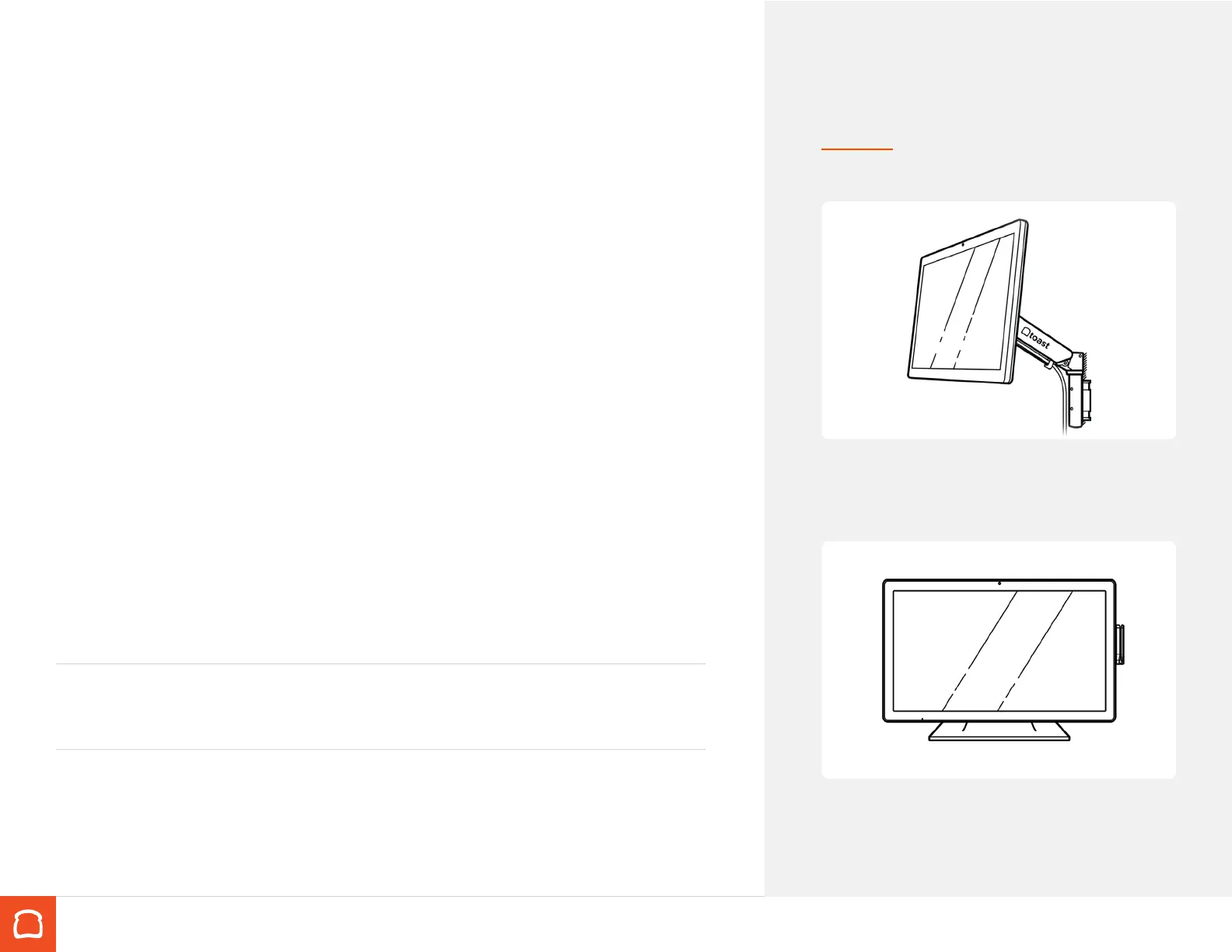
→ Turn to page 8
Toast Flex 22” with mount
→ Turn to page 9
Toast Flex 22” with stand
Do this rst...
If you have existing POS hardware set up, unplug it and remove it.
Make sure your setup surface is cleared.
Wipe your surface with an alcohol wipe. (A clean restaurant is a
happy restaurant.)
Choose Your Bundle
You’ll follow the instructions for the hardware
bundle you purchased.


 To Next Page
 Loading...


