08
Toast Flex 22" User Guide
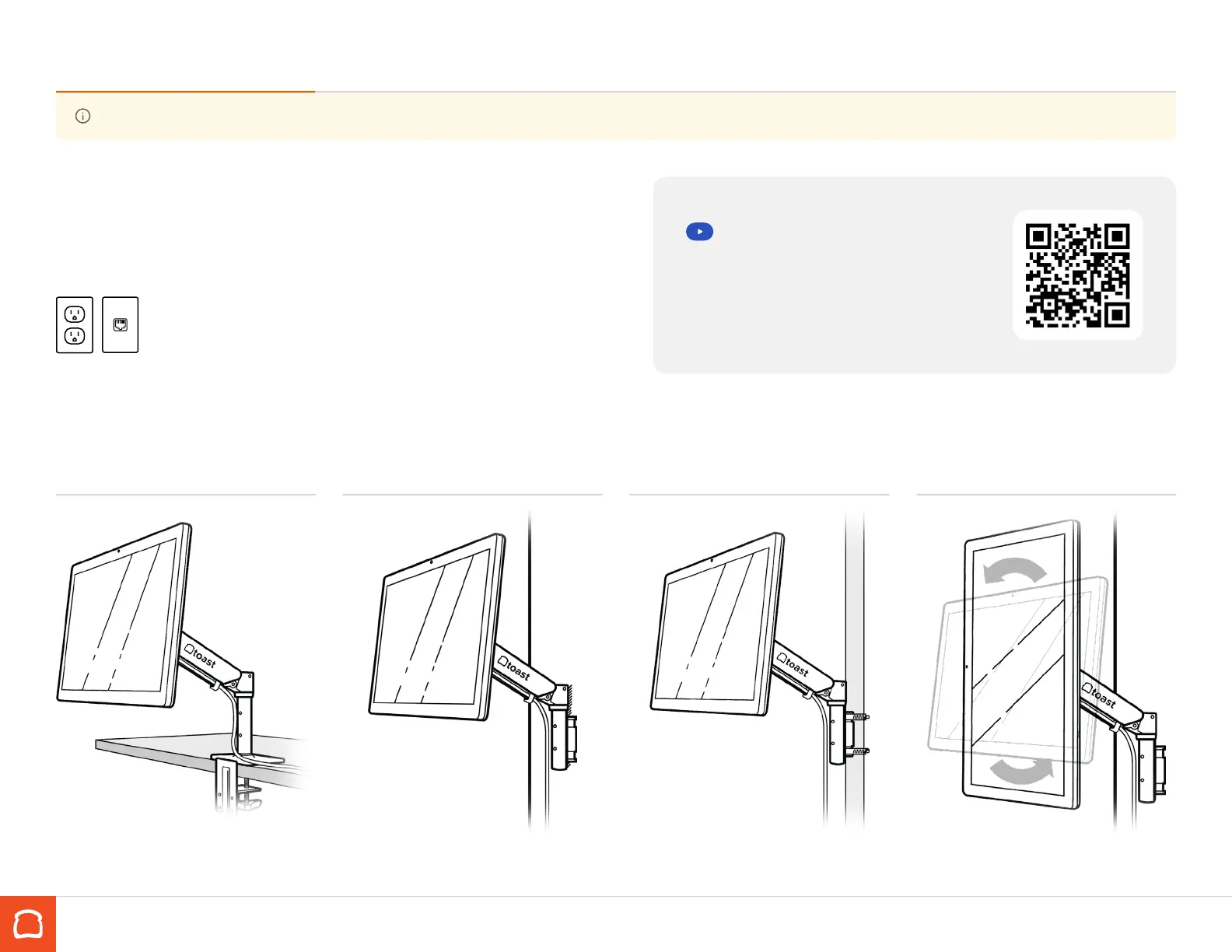
Set up your Toast Flex 22” with mount
Counter Mount Wall Mount Pole Mount Portrait Display
Please note: Toast will not drill holes for you. You will need to drill your own or have them pre-drilled in the desired location.
If you purchased a terminal with a mount, follow these
instructions for installation.
Before you get started, make sure there is easy access to a power outlet and
ethernet port within reach of your desired location.
Scan QR code for mount video
instructions and more details.
https://toast.help/3B6XwsL



 To Next Page