6.
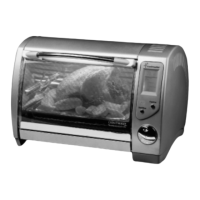
Toaster Oven Rotisserie Griddle Use and Care Guide
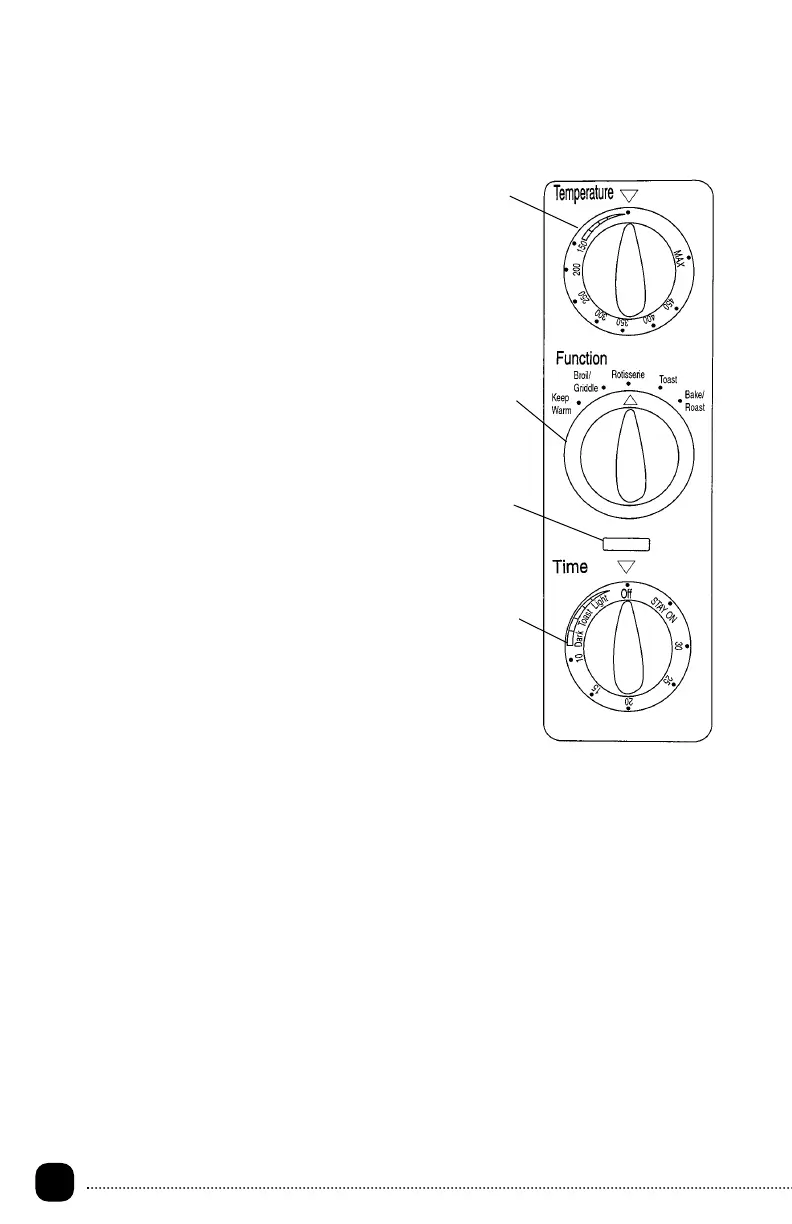
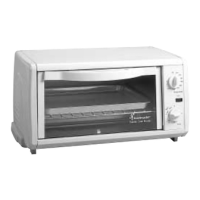
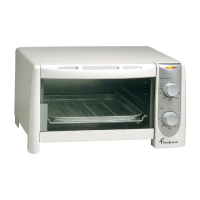
Control Panel
1. Temperature Control - Turn to select
temperature for broiling, rotisserie,
griddle or bake/roast cooking functions,
up to 450º MAX.
2. Function Control - Turn to select the
desired cook function:
• Keep Warm - Keeps food warm for up
to 30 minutes.
• Broil/Griddle - For broiling fish, steak,
poultry and pork chops, etc., or use the
griddle for grilling sandwiches, bacon,
eggs, pancakes, and French toast.
• Rotisserie - Can cook up to a 5-pound
roast or chicken.
• Toast - For toasting bread, muffins,
frozen waffles, etc.
• Bake/Roast - For baking/roasting
cakes, pies, cookies, poultry, beef, pork,
etc.
3. Power On Light - The Power-On Light
will illuminate whenever the oven is
turned on.
4. Time Control - To activate the timer or to
toast, turn the dial to the right
(clockwise). A bell will sound at the end
of the selected time (0-30 minutes). To
select the Stay-On feature, turn the
selector to the left (counterclockwise).
The Oven will stay on until it is manually
shut off.
1
4
3
2
337/337CAN E/F 6/11/01 16:51 Page 6



 To Next Page