EasyManua.ls Logo

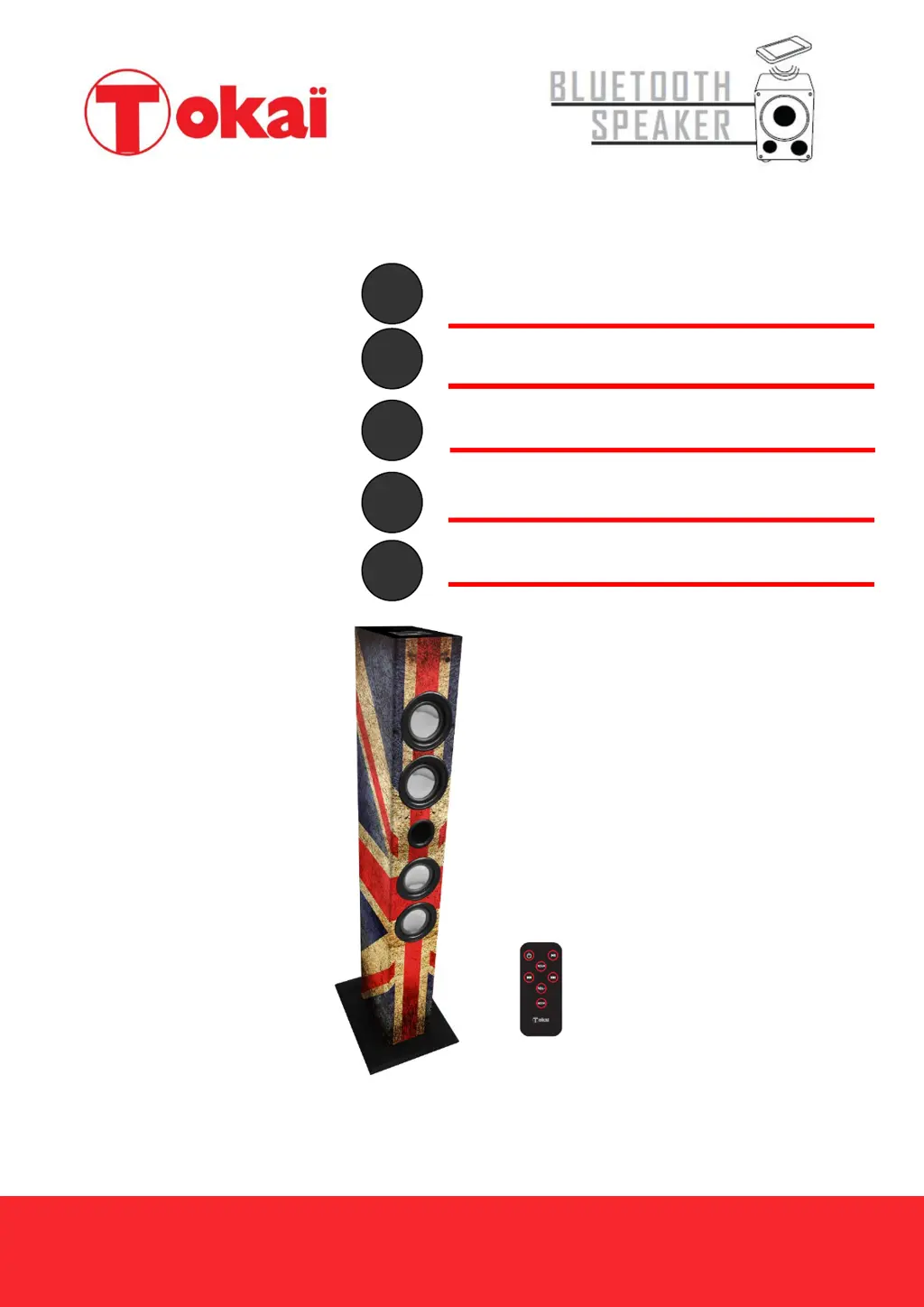
Tokai BT-910A - User Manual

Tokai BT-910A
52 pages
Go to English
Print Icon
To Next Page IconTo Next Page
Loading...
1
BT-910A
MANUEL D’UTILISATION
USER MANUAL
MANUAL DE INSTRUCCIONES
HANDLEIDING
BEDIENUNGSANLEITUNG
Lire attentivement la notice avant d’utiliser l’appareil
Before operating this product, please read user manual completely
Lea atentamente el manual del usuario antes de utilizar el aparato
Lees de handleiding voordat u deze apparaat
Lesen Sie die Bedienungsanleitung bevor Sie das Gerät gebrauchen
2
12
BT-910A
Français English - Español
Dutch - Deutsch
22
42
u
voo
r
uw
aan
koo
p
van
de
TO
KA
I
CD
-1
03:
MI
CR
OS
YS
TE
EM
BL
UE
TO
OT
H
me
t
DI
GI
32

Questions and Answers

  • J
    John TorresAug 4, 2025
    What to do if there is no sound when playing audio via Bluetooth on my Tokai BT-910A Speakers?
    • S
      Stacey HunterAug 4, 2025
      If you're not getting any sound when playing audio via Bluetooth on your Tokai Speakers, there might be a few reasons: * Your Bluetooth device might not be paired correctly. Refer to the “Pairing your Bluetooth Device” section to ensure proper pairing. * The volume on your Bluetooth device could be too low. Try increasing the volume on your device. * The volume control on your Tokai Tower Speaker system might be set too low. Increase the volume by pressing the VOL+ button on the speaker system.
  • B
    bobbytaylorAug 12, 2025
    What to do if USB/SD playback does not work on Tokai Speakers?
    • M
      Max ScottAug 12, 2025
      If USB/SD playback isn't working on your Tokai Speakers, consider the following: * If the USB is badly scratched or dirty, replace or clean it. * Make sure the USB/SD device is correctly inserted into the compatible slot. * It's possible the USB/SD device is incompatible. Playback cannot be guaranteed for all devices; try another USB/SD device.
  • R
    Rebecca JohnsonAug 27, 2025
    How to fix radio noise or distorted sound on Tokai BT-910A?
    • R
      Ronald WalkerAug 27, 2025
      If you're experiencing noise or distorted sound when using the radio on your Tokai Speakers: * Make sure the station is tuned properly by adjusting the tuning control. * Ensure the FM wire antenna is fully extended and positioned correctly. * The station might be too weak. Try tuning into other, stronger stations.
  • T
    Tyler JonesSep 10, 2025
    What to do if there is no sound when playing audio via AUX-IN on my Tokai Speakers?
    • J
      Jennifer AdkinsSep 12, 2025
      If you're experiencing no sound when playing audio via AUX-IN on your Tokai Speakers: * Check the connection of the audio cable between your Tower speaker system and the external audio device. * The audio cable may be damaged. Try using another audio cable for the connection.

Summary

Before We Begin

Warnings and Precautions

Lists critical safety warnings regarding electrical hazards, lightning, moisture, and ventilation.

Safety Instructions

Detailed Safety Guidelines

Comprehensive instructions covering safe operation, cleaning, power, lightning protection, and servicing.

Preparation For Use

Remote Control

Bluetooth Mode

Pairing Your Bluetooth Device

Step-by-step instructions for pairing the speaker system with a Bluetooth-enabled device.

Listening to Music via Bluetooth

Guides on playing music from a Bluetooth device and controlling playback using the remote.

Playing USB; SD Memory Card

Trouble Shooting

Common Issues and Solutions

Addresses common problems like no sound/power and provides step-by-step solutions.

Technical Specifications

Tokai BT-910A Specifications

General IconGeneral
BrandTokai
ModelBT-910A
CategorySpeakers
LanguageEnglish

Related product manuals