
 Need help?
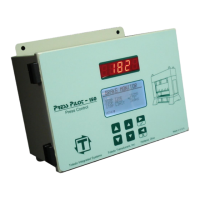
Do you have a question about the Toledo Transducers Press Pilot 150 and is the answer not in the manual?
Configures the method for tracking press position: Resolver, Encoder, or Hard Cams.
Adjusts resolver offset or calibrates encoder for accurate position sensing.
Lists PP150 fault codes and provides guidance for diagnosis and correction.
Details how to use diagnostic screens to test system functions and inputs.
Procedure for setting up the press position control when using a resolver.
Procedure for setting up the press position control when using an encoder.
Sets the primary position tracking method and adjusts its parameters.
Configures brake monitor test parameters and settings.
Details the mapping for Input Word 0 of the PP150 Ethernet I/O.
Details the mapping for Input Word 1 of the PP150 Ethernet I/O.
 General
| Brand | Toledo Transducers |
|---|---|
| Model | Press Pilot 150 |
| Category | Control Unit |
| Language | English |

 To Next Page