Need help?
Do you have a question about the Tolino vision 4 HD and is the answer not in the manual?
Details on the on/off switch and micro-USB port for the tolino eReader.
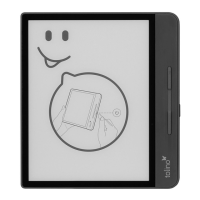
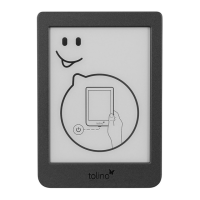
Instructions for powering the device on/off, sleep mode, and restarting.
Explains the function of the micro-USB port for charging and data transfer.
How to activate and adjust screen illumination and brightness.
Explains how to turn pages and open the reading menu.
Explains the reading menu for settings and navigation within a book.
How to change personal reading settings like font type and size.
Explains various reading setting symbols like back arrow, table of contents, font settings.
Settings for PDFs, including converting to text and zoom options.
Explains page numbering and automatic saving of reading position.
Details on the "Titles", "Authors", and "Collections" sections of your library.
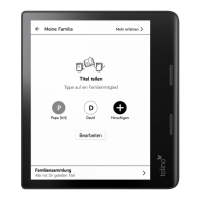
Managing access to your library across multiple devices.
Automatic synchronization of library content with the tolino cloud.
Continue reading on smartphones, tablets, or computers via the cloud.
Connecting your eReader to the internet using a wireless network.
Steps to register your eReader on a wireless network.
Advantages of registering, including cloud storage and device access.
How recommendations appear and how to access the shop.
Explains copy protection methods and how to authorize your device.
How to use the eReader's web browser to access the internet.
How to update the tolino software for new features and bug fixes.
 General
| Resolution | 1448 x 1072 pixels |
|---|---|
| Pixel Density | 300 ppi |
| Storage | 8 GB |
| Operating System | Linux-based |
| Display | 6-inch E Ink Carta |
| Front Light | Yes |
| Connectivity | Wi-Fi (802.11 b/g/n) |
| Battery Life | Several weeks |
| Supported Formats | EPUB, PDF, TXT |


 To Next Page