EasyManua.ls Logo

Tollos Ultralift 3510 Series - User Manual

Tollos Ultralift 3510 Series
30 pages
Print Icon
To Next Page IconTo Next Page
Loading...
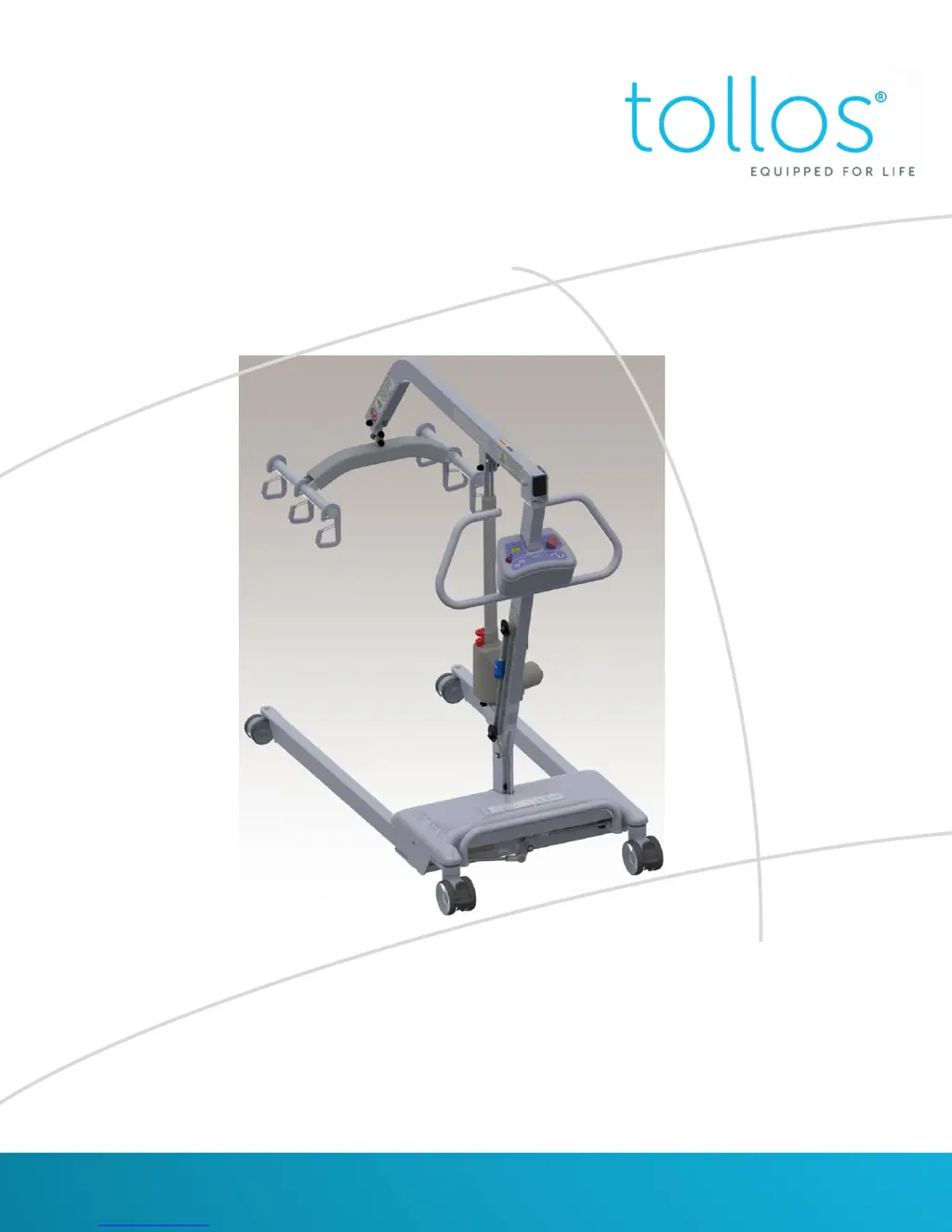
Ultralift™ 3510/7510 Series
Owners Manual
Phone: 1-888-363-7224 Fax: 410-363-7708
customerservice@tollos.com
www.tollos.com

Questions and Answers

  • M
    Margaret EvansAug 3, 2025
    What to do if Tollos Ultralift 3510 lift does not operate?
    • M
      Mary CostaAug 3, 2025
      If your Tollos Medical Equipment lift isn't operating, first ensure it's plugged in. Then, check the On/Off button and twist the E-Stop button to turn it on. Test the hand control; if it has no functions, replace it. Finally, ensure the battery is adequately charged.
  • G
    Gary RowlandAug 12, 2025
    What to do if Tollos Ultralift 3510 Medical Equipment lift does not charge?
    • J
      Jackie RussellAug 12, 2025
      If your Tollos Medical Equipment lift isn't charging, start by checking the wall outlet to ensure it's functioning correctly. Next, make sure the AC cord is securely plugged into the charger. Finally, inspect the connections on the battery terminals to ensure they are properly connected.
  • L
    Larry TorresAug 23, 2025
    What to do if raising or lowering / opening or closing legs not working on Tollos Medical Equipment?
    • P
      paul47Aug 23, 2025
      If the raising/lowering or opening/closing leg functions aren't working on your Tollos Medical Equipment, first ensure the lift is charged. Next, inspect the actuator clevis for any breaks; if broken, replace the actuator. Finally, test the hand control; if it has no functions, replace it.

Summary

General Information

Safety Information

Crucial safety warnings for operating the lift, including user training, weight limits, and equipment inspection.

Product Description

Functions

Details the operation of the lift's controls, including the On/Off switch and emergency stop functionality.

Battery Level; LED Display

Explains the 5 LED display on the control box, indicating battery capacity and load percentage.

Raising and Lowering a Patient (iQ Models Only)

How to use the hand controller to raise or lower the boom for patient lifting and lowering.

iQ Technology(Option)

Explanation of the iQ Technology features, including LCD display messages for lift status and maintenance.

Scale Operation

Step-by-step guide for using the integrated scale, including zeroing, weighing the resident, and exiting weigh mode.

Safety Features

Describes the emergency lowering feature and how to use it in case of actuator failure or power loss.

Battery

Instructions for charging the lift's batteries, including important notes on usage and battery life.

Lifting a Patient

Trouble Shootings

Trouble Shootings

Common problems encountered with the lift and their corresponding solutions, covering operation, charging, and control issues.

Warranty

Technical Specifications

Tollos Ultralift 3510 Series Specifications

General IconGeneral
BrandTollos
ModelUltralift 3510 Series
CategoryMedical Equipment
LanguageEnglish

Related product manuals