When the download is completed, there will be all kinds of permission reminders during the installation process, and all of them choose to agree. The watch and the
mobile phone should allow all the permissions obtained by the notification on the mobile phone to realize all the functions.
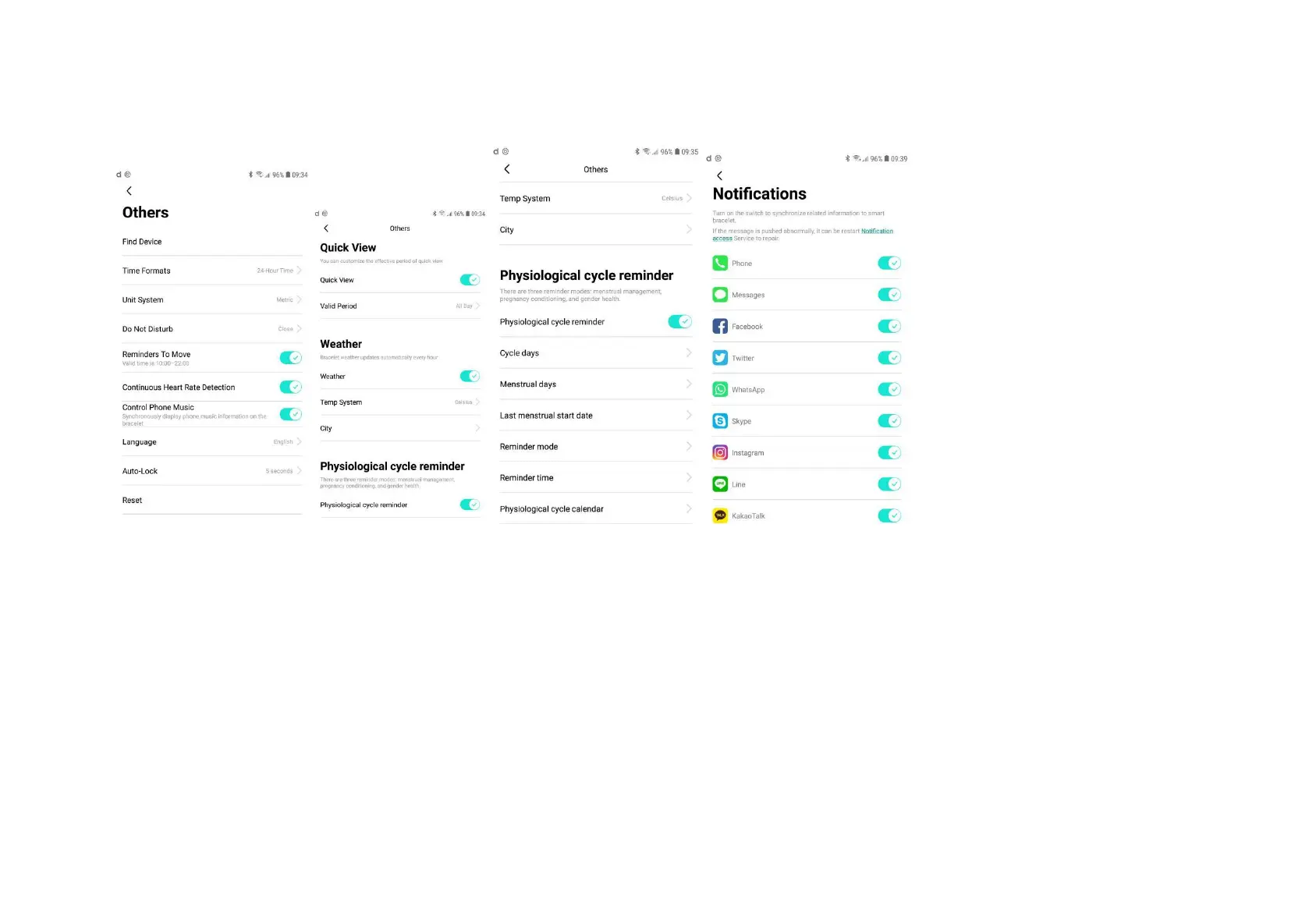
How to set up letter notification: mobile phone enters settings - application management, finds "Da Fit" - permission management, and opens all.
Then enter notification management - find “Da Fit” and open all permissions.
■ Interface switch
● Dial Plate Switch: Long press the dial plate interface for 3s to switch dial plates. Slide the screen left and right to switch the dial plate and click OK to switch.


 To Next Page
 Loading...