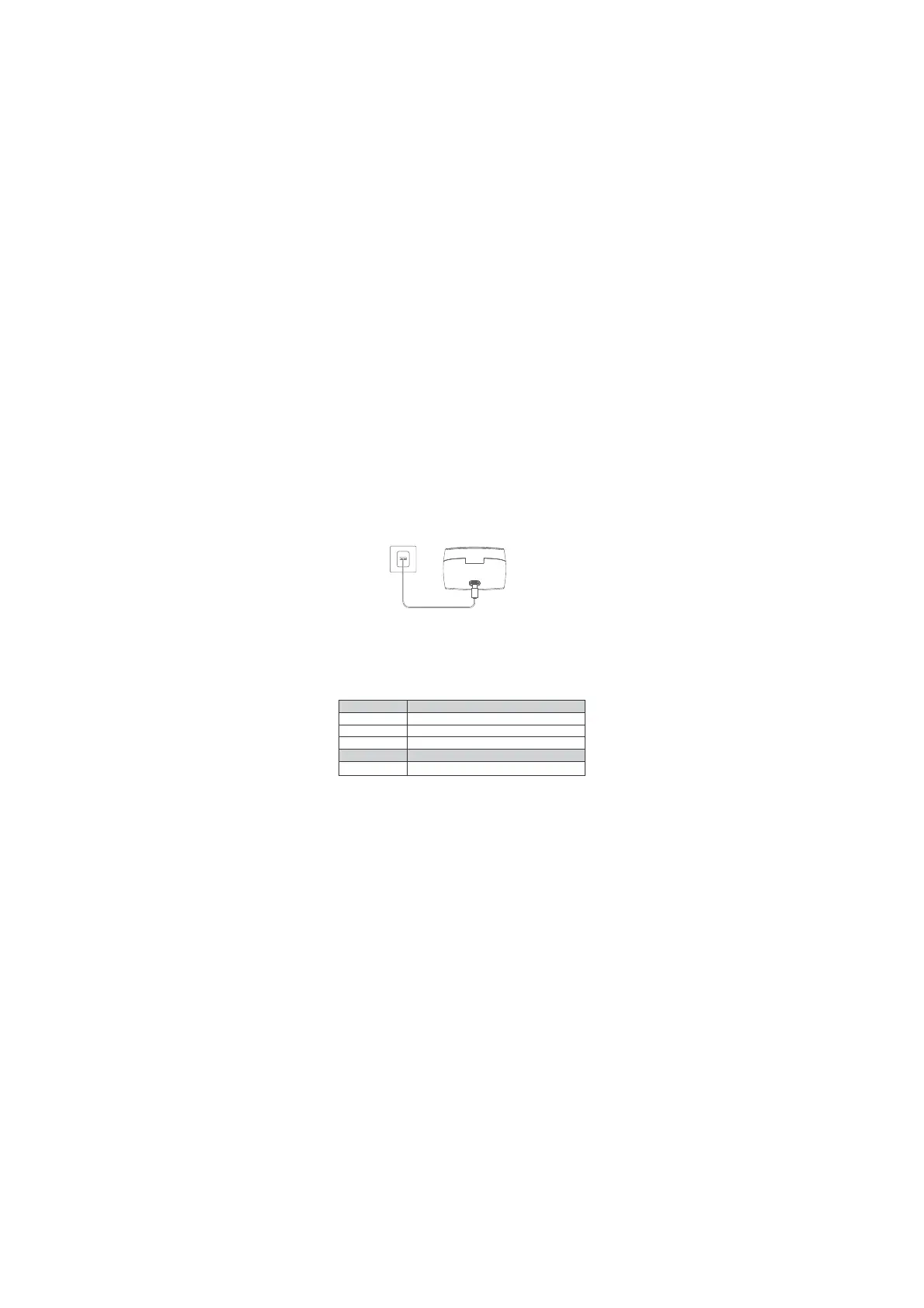
2. Connect the charging case to the power by using a USB-C charging cable.
• The LED indicators on the charging case indicate the charging status.
Blinking: Charging Keep Lighting: Full Charge
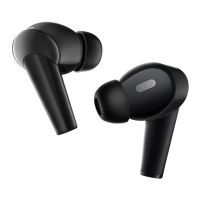
Choose the ear tips that fit your ears best.
Insert the earbuds into the inner canal of your ears and turn gently until you find
the most comfortable and secure position.
•Your earbuds come with multiple pairs of Ear Tips, among which Medium-sized
are pre-installed.
WEARING
CONTROLS
Playback Actions
Play / Pause:
Per. Track:
Next Track:
Phone Call Actions
Answer / End a Call:
Click the Touchpad once (L/R)
Click the Touchpad twice (L)
Click the Touchpad twice (R)
Click the Touchpad twice (L/R)
ENG - 7


 To Next Page