Need help?
Do you have a question about the TONGFANG GM7MG7P and is the answer not in the manual?
Details CE compliance and EU guidelines for technical information equipment.
Provides essential safety guidelines for operating the notebook and handling components.
Explains the use of CAUTION and NOTE messages for safe operation.
Documents the version and release date of the user manual.
Details the physical characteristics, CPU, GPU, and memory specifications.
Guides on connecting the AC adapter, opening the display, and powering on the notebook.
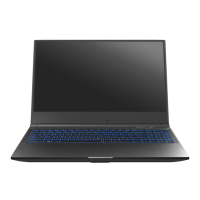
Identifies key external components of the notebook through diagrams and labels.
Instructions on connecting and using the AC adapter for charging and power.
Explains the keyboard layout and how to use its special function keys.
Details how to use the touchpad for cursor control and selections.
Explains when to use BIOS setup and how to initiate it.
Describes the main sections of the BIOS setup utility: Main, Advanced, Security, Boot, Exit.


 To Next Page
 General