EasyManua.ls Logo

Tonivent TON170 - User Manual

Tonivent TON170
11 pages
Print Icon
To Next Page IconTo Next Page
Loading...
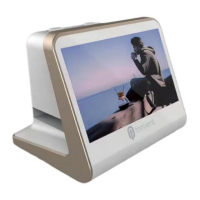
FILM SCANNER
TON170 FILM SCANNER USER’S MANUAL
Question and Answer IconNeed help?

Do you have a question about the Tonivent TON170 and is the answer not in the manual?

Summary

Important Safety Precautions

Package Contents Verification

Device Structure Overview

Loading Slides and Negatives

Load Negatives

Instructions for properly loading film negatives into the holder.

Load Slides

Instructions for properly loading film slides into the holder.

Scanner Operation Guide

Menu and Icon Overview

Explanation of the scanner's main menu options and icons.

Image Capture Process

Step-by-step instructions for capturing images using the scanner.

Film Type Selection for Scanning

Guide on choosing film types before scanning.

Playback and Editing Images

How to review, edit, and manage captured pictures.

Language Settings Configuration

Procedure for selecting the desired user interface language.

Image Resolution Settings

Options for selecting image resolution and interpolation.

Memory Card Formatting

Steps to format the scanner's memory card.

Computer Connection Guide

Instructions for connecting the scanner to a computer for data transfer.
Technical Product Specifications

Product Declaration Statement

Tonivent TON170 Specifications

General IconGeneral
BrandTonivent
ModelTON170
CategoryScanner
LanguageEnglish

Related product manuals