6
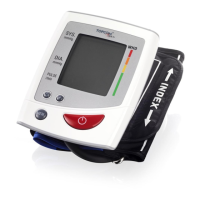
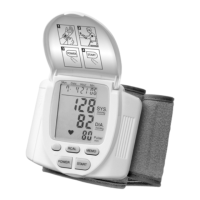
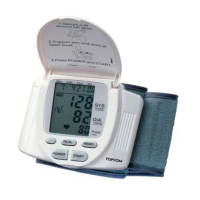
TOPCOM BPM Wrist 5331 WHO
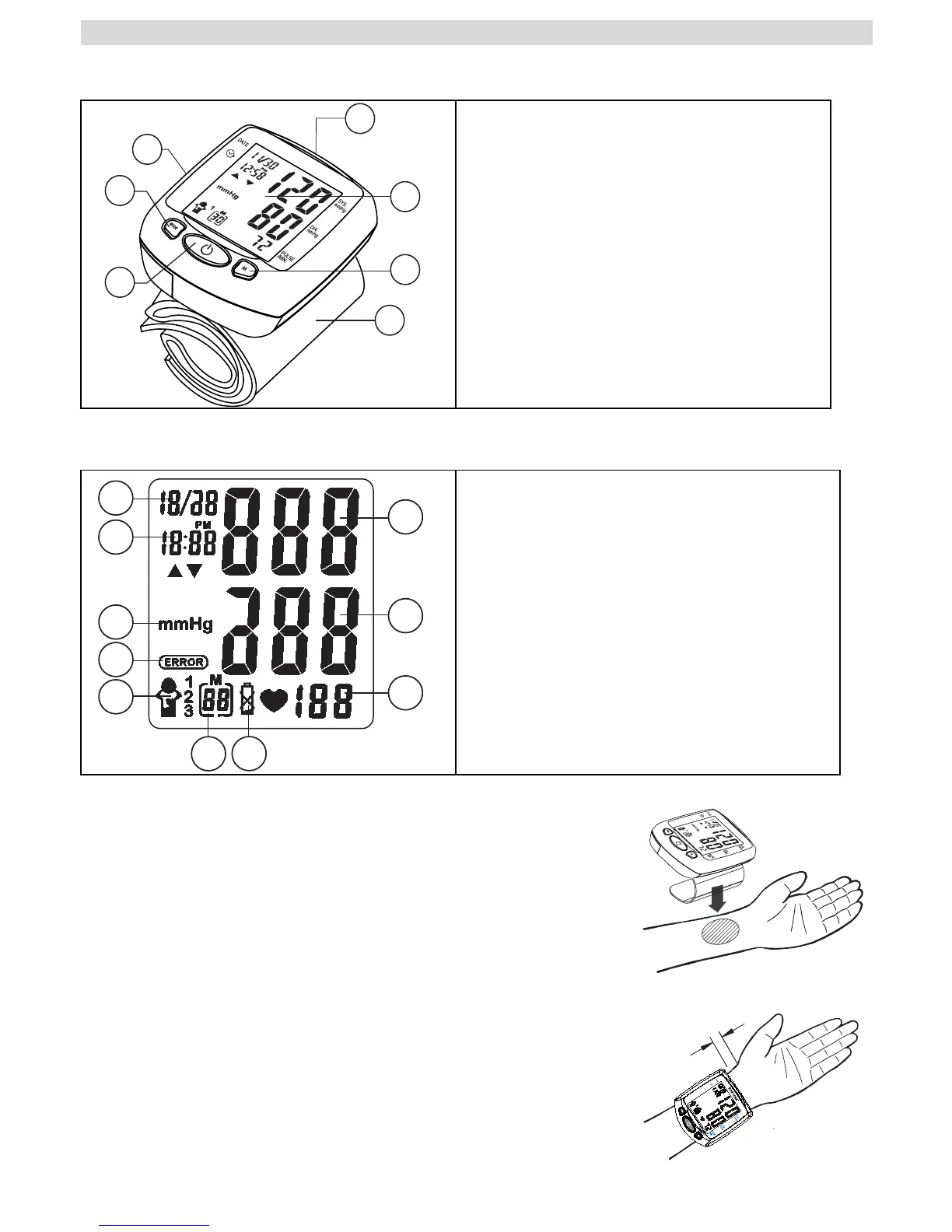
7 Buttons
8 Display
9 Applying the cuff
1. Remove all watches, jewelry, etc. prior to attaching
the wrist monitor.Clothing sleeves should be rolled
up and the cuff should be wrapped on bare skin for
correct measurements. Apply cuff to left wrist with
palm facing up.
2. Make sure the edge of the cuff is about 1 cm from
the palm. In order to insure accurate-measurements.
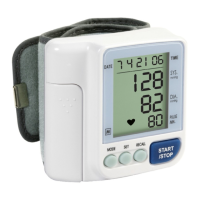
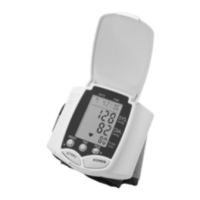
1. Up / Down button
2. LCD display
3. MEMORY RECALL button
4. Wrist cuff
5. START / STOP button
6. MODE button
7. Battery compartment
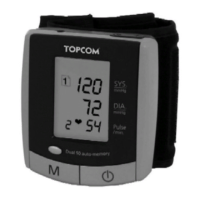
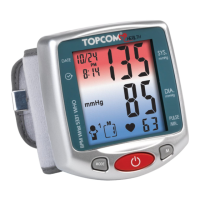
1. Systolic pressure
2. Diastolic pressure
3. Pulse rate
4. Battery Low indicator
5. Memory number
6. Memory zone
7. Error icon
8. Blood pressure unit
9. Time
10. Date
1
2
3
4
6
5
7
2
1
6
7
8
3
5
4
9
10


 To Next Page