EN I 14
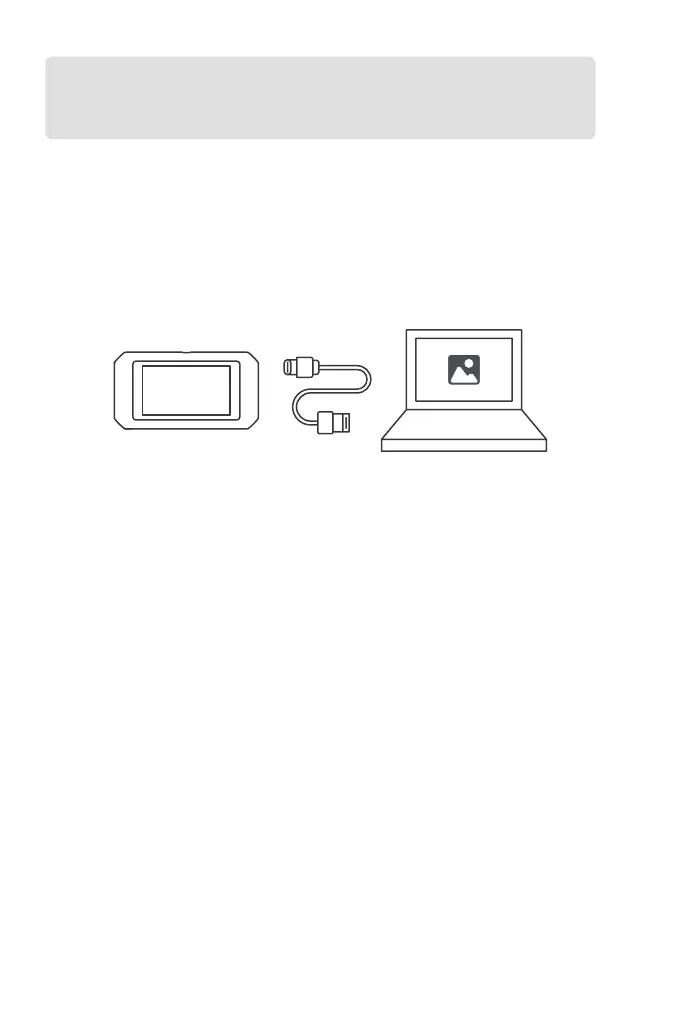
Figure 4.1.1
Section 4
Using TC003 in USB Mode
Download and install the TCView software
Go to www.topdon.com/products/tc003, and click “Download” to
enter the download page. Then download and install the TCView
software.
Connect the TC003 camera to a Windows-based computer with
the supplied USB Cable (see Figure 4.1.1).
A prompt displays on the TC003 tablet, asking whether you want
to switch to the USB mode. Tap "Yes" to switch to the USB mode.
Open the TCView software to start using the TC003 thermal
imaging camera in USB mode.
1.
3.
2.
4.


 To Next Page