EN I 8
Gestures and Shortcuts
Swipe-Down Menu
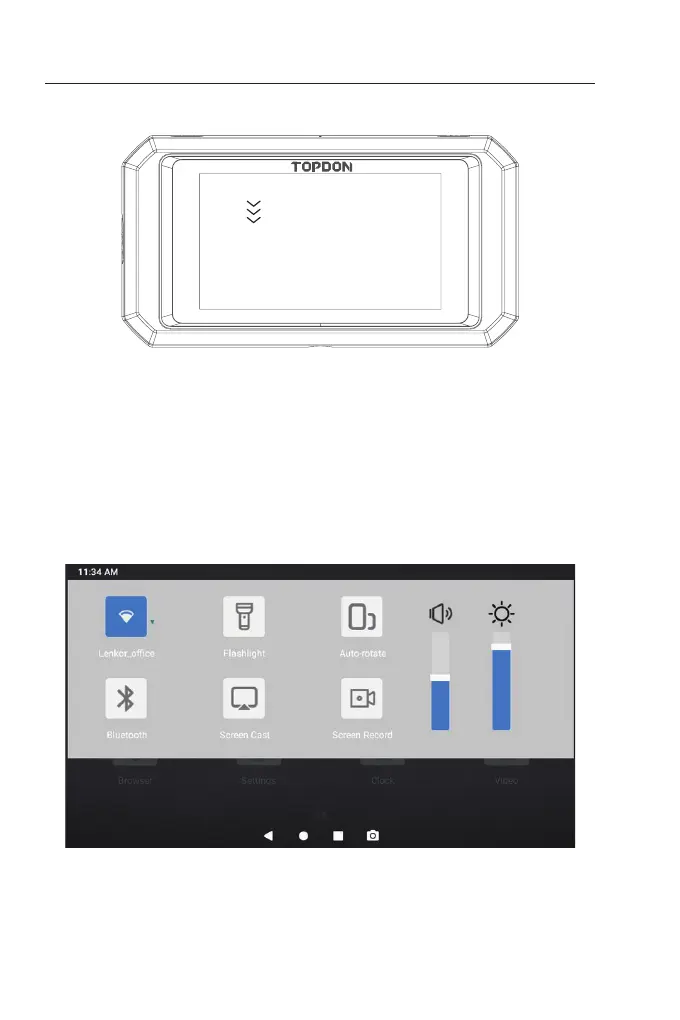
Figure 1.2.1
Swipe
Swipe-Down Menu: Swipe down from the top of the screen to
display the Swipe-Down Menu. This gives you instant access to Wi-Fi,
Bluetooth, a ashlight, volume, screen brightness, screen projection,
rotation, and screen recording (see Figure 1.2.2).
Figure 1.2.2


 To Next Page