EN I 10
Section 3
Using TC005 in Standalone Mode
Section 4
Using TC005 in USB Mode
While in standalone mode, the TC005 thermal imaging camera can
work independently on its own. To learn more about the operation of
each button and port on the TC005 device, you can refer to Section 2
Product Overview.
Apart from standalone use, your TC005 can also work with a
Windows-based computer. This section illustrates how to congure
your TC005 to work with a Windows-based computer for screen
projecting and imagery analysis.
Download and install the TDView software
Go to www.topdon.com/products/tc005, click “Download” to
enter the download page. Then download and install the TDView
software to your computer.
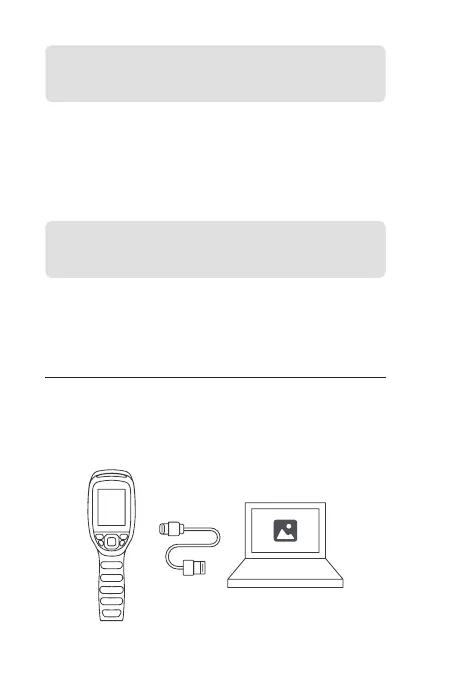
Connect TC005 to your computer with the supplied USB cable
(see Figure 4.1.1).
Figure 4.1.1
Getting Started
1.
2.


 To Next Page