EN I 11
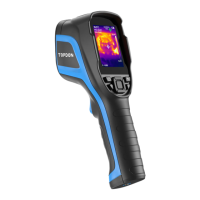
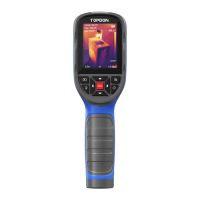
To project your TC005 screen to PC, you need to switch your
TC005 to USB mode rst (Go to Setting > System Setting, and
tap Using Mode to switch to USB mode).
Open the TDView software and you can screen project your
TC005 thermal imaging camera to PC.
1.
2.
Project Your TC005 Screen to PC
Once your TC005 is connected to PC via the supplied USB cable, you
can send les (both JPG and IRG format les required) to the PC and
conduct imagery analysis with the TDView software.
Imagery Analysis on PC
Note: Screen projecting and imagery analysis features cannot
be available at the same time.


 To Next Page