23
Icon Description
Button Description
Report - tap to save the results in report format. (To view the saved
reports, go to Me > Diagnostic Report.)
Clear DTCs - tap to clear all the DTCs retrieved.
Clear Trouble Code
To clear DTCs for the currently selected system:
1. Tap Clear Trouble Code in the function menu.
2. Tap OK when the DTCs are cleared.
Note:
1. Procedure of clearing DTCs should be performed after the
required repair has been carried out. Once conrmed, DTCs and
freeze data stored in the ECU will be cleared.
2. DO NOT START UP THE ENGINE WHILE CLEARING DTCS.
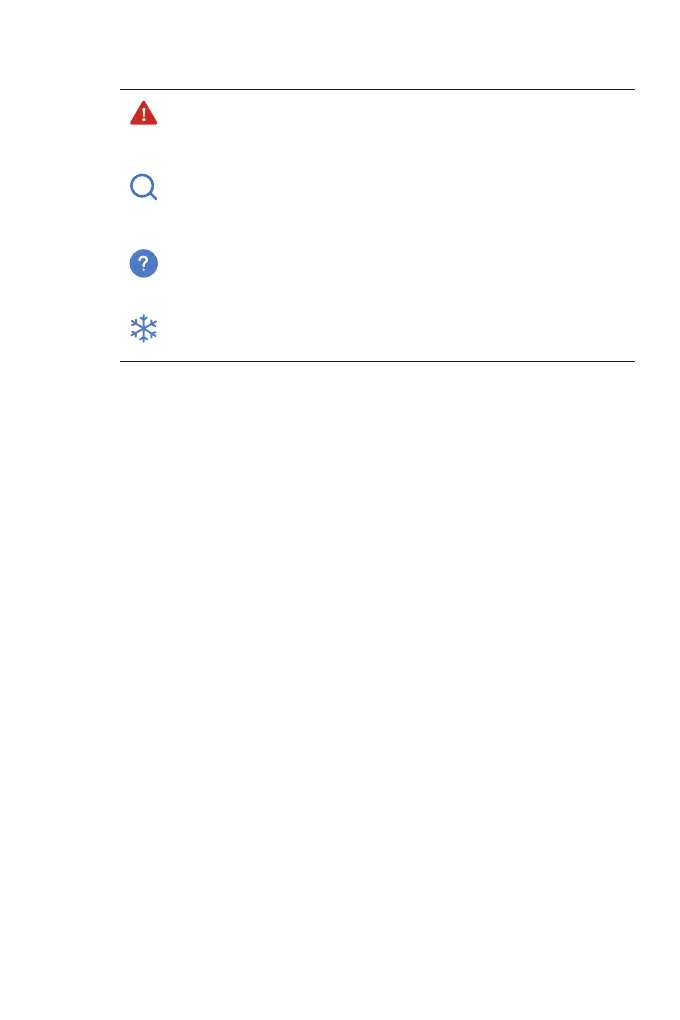
Indicates that the DTC is causing a warning light to
illuminate.
Tap to open a window that allows you to search on Google
for more information about the DTC.
Tap to view the detailed description of the DTC.
Tap to view the freeze frame captured at the time when
the DTC occurs.


 To Next Page