41
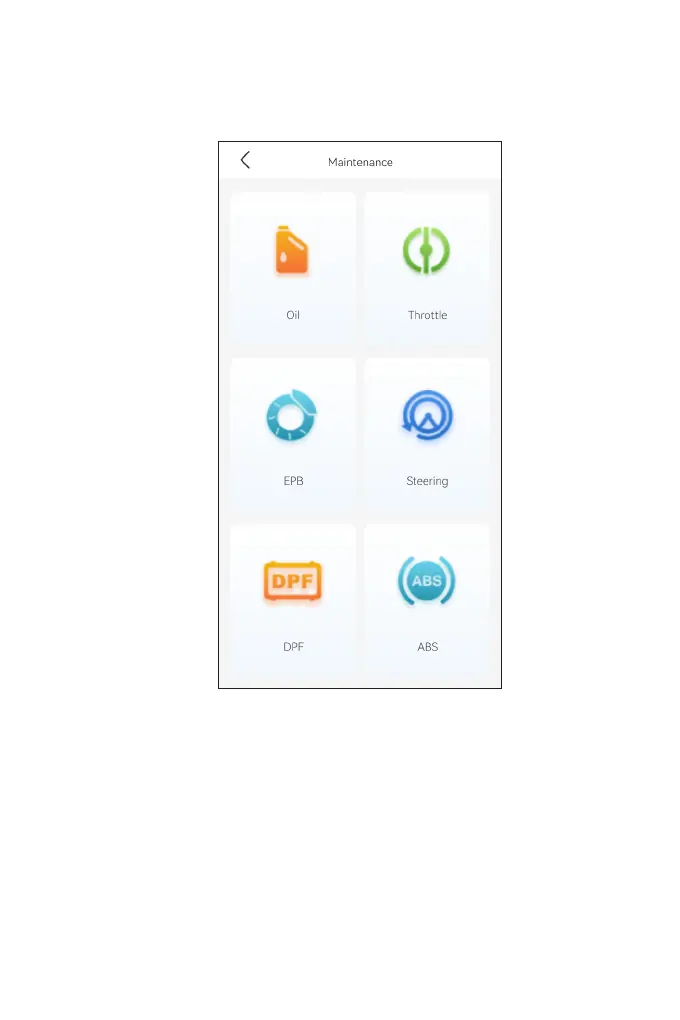
4.4.2 Performing a Service Reset
1. Tap Maintenance from the home screen. A function menu will
display.
2. Select a function that you want to perform.
3. Vehicle identication is required before you can access the
function (for more on identication operations, refer to Identifying
the Vehicle on page 16). When it completes, the function menu
displays.
4. Follow the on-screen instructions to perform the service reset.
Figure 4-22



 To Next Page