10 11
EN
5. Understanding Charge LEDs
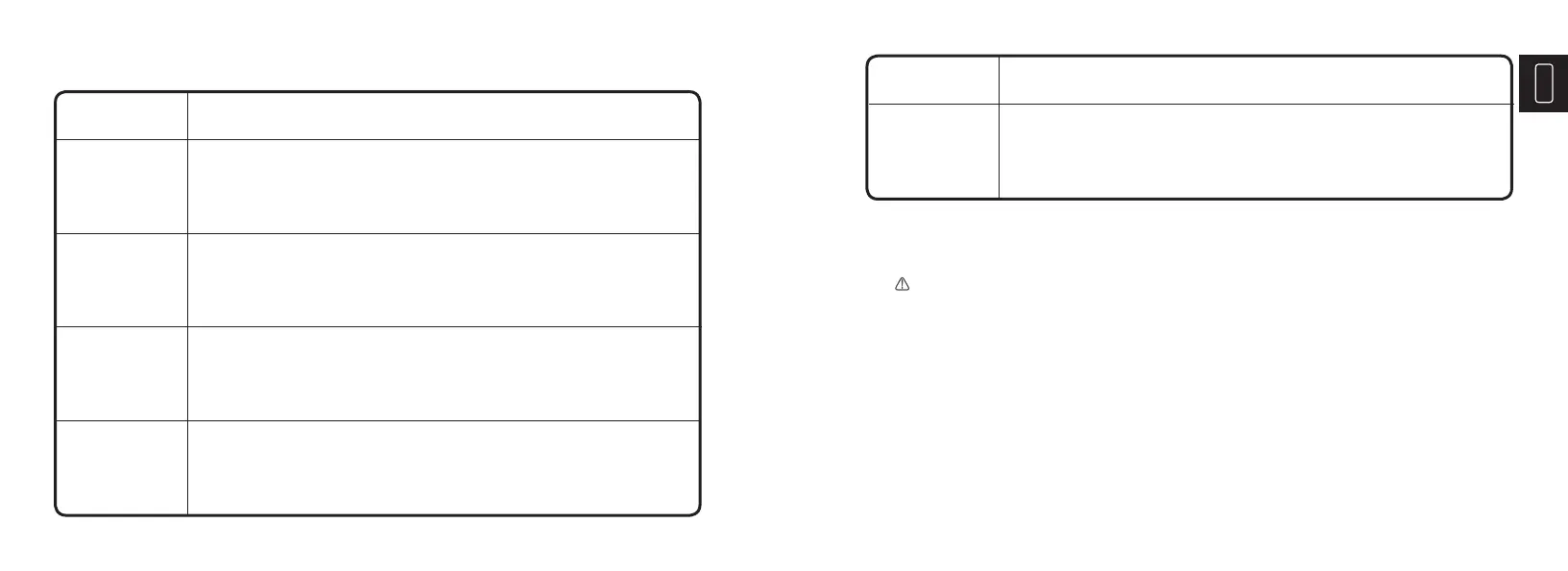
LED Explanation
• When the battery is >50%, and <75% charged, the 75% White
LED will slowly flash.
• When the battery is 75% charged, the 75% White LED will
become solid too.
• When the battery is >75%, and <100% charged, the 100%
White LED will slowly flash.
• When the battery is 100% fully charged, the 100% White LED
will become solid too.
• When the battery is >25%, and <50% charged, the 50% White
LED will slowly flash.
• When the battery is 50% charged, the 50% White LED will
become solid too.
• When the battery is <25% charged, the 25% White LED will
slowly flash.
• When the battery is 25% charged, the 25% White LED will
become solid.
25% White LED
50% White LED
75% White LED
100% White LED
Mode Descriptions
• During maintenance charging, the 100% Charge LED will slowly flash.
• When the battery is topped off and fully charged again, the 100%
Charge LED will turn solid White. The charger can be left connected to
the battery at all times.
Maintenance
White LED
6. Understanding Advanced Diagnostics
The will illuminate, indicating a potential error has occurred. See the following chart to iden-
tify the issue:



 To Next Page