GPIO Demo APK
CRD1060GPIO_demo20220419.apk and surce code link:
https://drive.google.com/file/d/1ZLEyXAlZxOo0EjTW6ks7oMGjwnLiYcrQ/view?usp=sharing
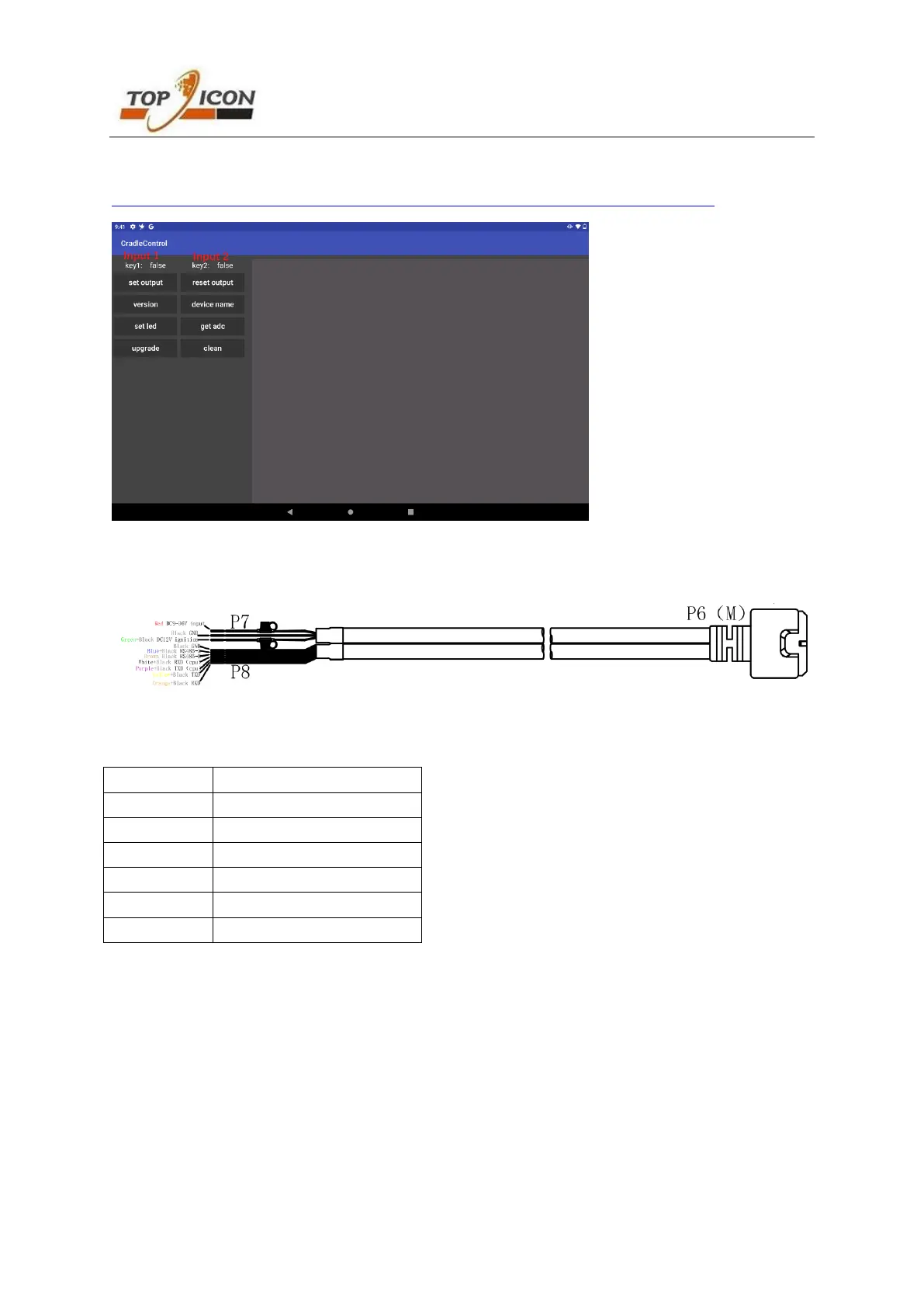
Power and Serial port extension cable
P6 Connector connect to the P2 connector
P7 Connect the Vcc (red wire), ignition (green wire) and GND (black wire) to the power supply (DC9V-36V)
P8 serial port RS232 and RS485 wires
RS232 purple/white is from CPU, it’s same as mdt860 and mdt760, it can work even no external power
supply.
RS232 orange/yellow and RS485 blue/brown are converted from USB Hub and will only work if there is an
external power supply.


 To Next Page
 Loading...