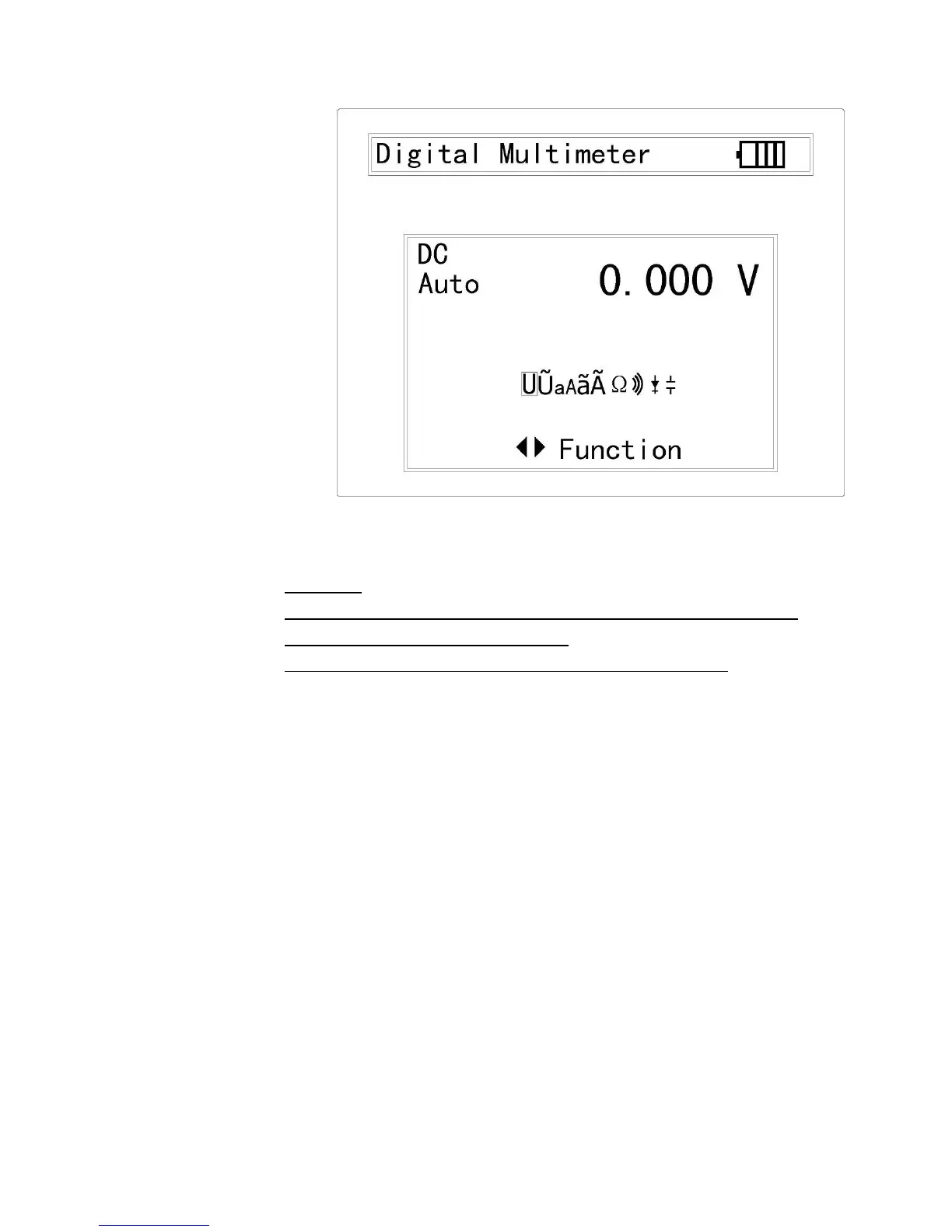
3.8.2.2 AC Voltage Measuring
WARNING!
DO NOT input the voltage which more than 660V AC, it’s possible to show higher
voltage, but it’s may destroy the inner circuit.
Pay attention not to get an electric shock when measuring high voltage.
a. Connect the black test lead to the COM jack and the red test lead to the V jack.
b. Press LEFT / RIGHT to set the highlight cursor on the AC measurement.
c. Connect test leads across the source or load under measurement.
d. The value will be displayed on the LCD. The polarity of the red lead connection
will be indicated along with the voltage value.



 To Next Page