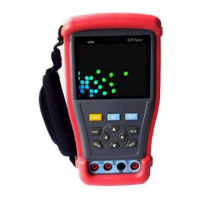
3 Operation
3.1 Power On/Off
Toggle the Power switch (Tab 1-9) to turn the power ON / OFF.
3.2 Key functions
Press MODE key continuously to switch the functions (PTZ controller, Video
settings, Colour bar generator, LAN cable tester, Data monitors, Digital
Multi-Meter)
Press SET key to enter corresponding function setting sub-menu, Use
navigation buttons to set the parameters in sub-menu.
Note: When the TESTER is re-powered on, it will keep the last memory and return to
the function which is being used before it was turned off.
3.3 Video Detect
Connect to camera video via BNC jack to the video input port (Tab 1-5), the
video can be displayed on the LCD panel.
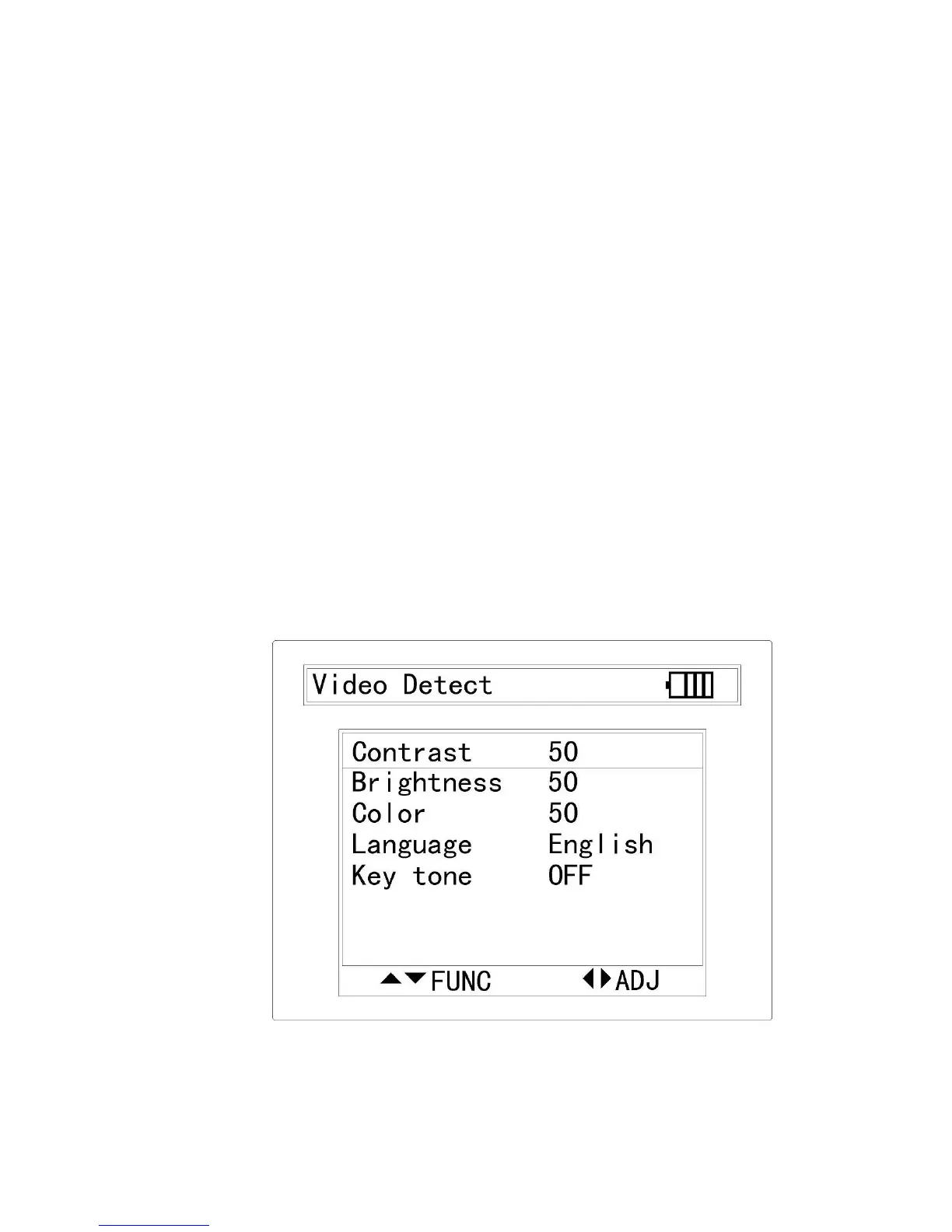
Press SET will activate the sub menu of Video Detect, use navigation
buttons to setup the parameters of video contrast, brightness, color, and
change the language and turn on/off the key tone.


 To Next Page
 Loading...