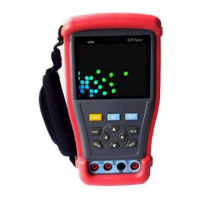
3.4 PTZ Controller
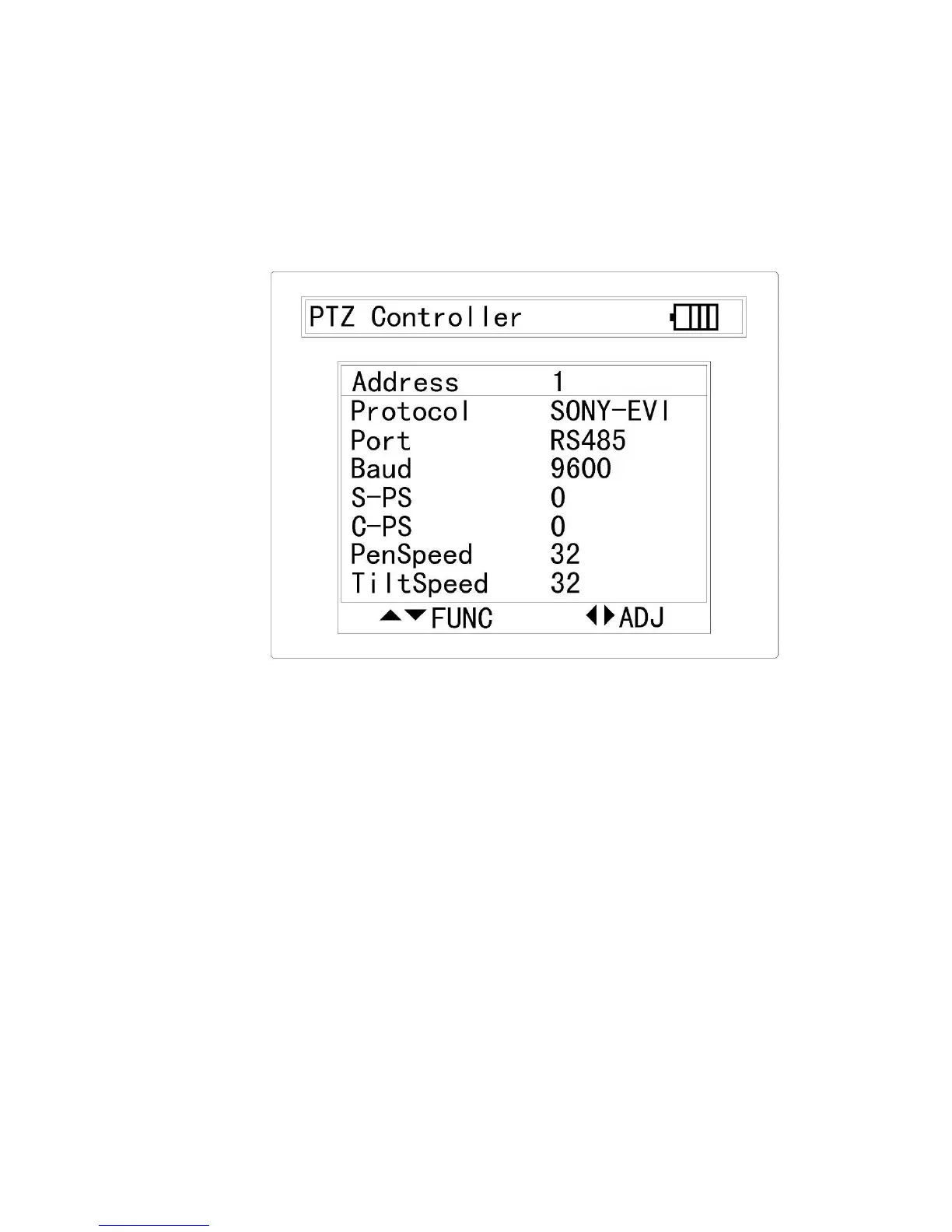
Connect the communication cable to RS485/RS232 (Tab 1-7), once the PTZ
device is connected, use navigation buttons or FAR/NEAR/TELE/WIED to
control the camera lens; Press SET to enter the sub menu and use the
navigation buttons to setup the parameters for Address / Protocol / Port /
Baud rate / S-PS / C-PS / Pen speed and Tilt speed.
3.5 Colour Bar Generator
The Colour Bar will be turned on automatically, this video is able to
transmitted by the video output (Tab 1-5) via BNC connector to the external
display; Press SET to enter the sub menu and use the navigation buttons to
setup the video format between NTSC/PAL.


 To Next Page
 Loading...