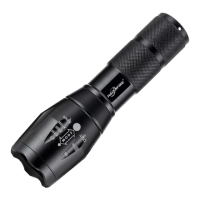
The Torch/G700 Tactical Flashlight Instruction Manual
Powering Your Device:
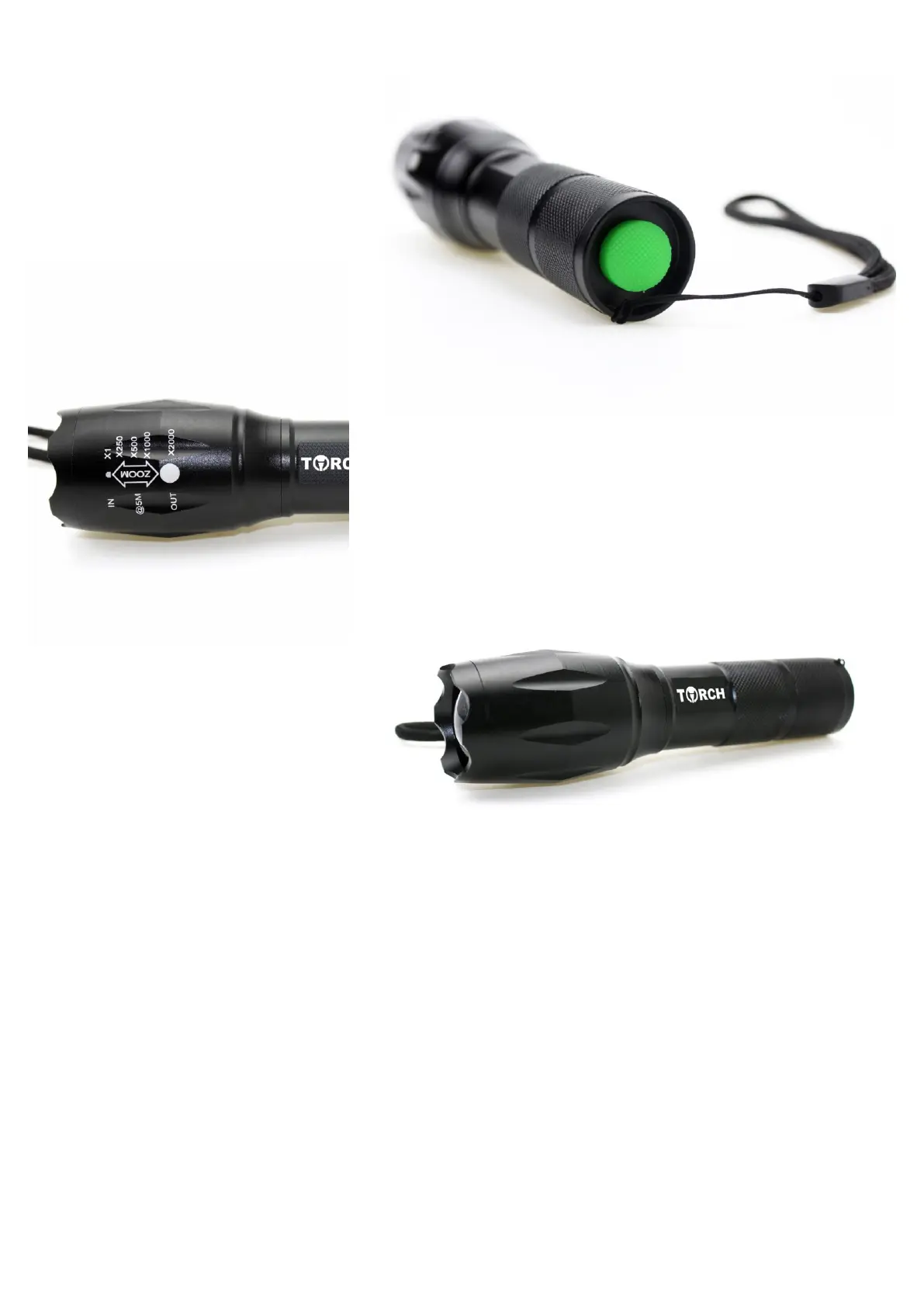
• When batteries are installed and ready to use,
locate the green power button (power button
maybe another color) on the rear side of your
flashlight.
• Press the green power button (power
button maybe another color) to power on
your device.
Switching Light Modes:
• To switch modes on your flashlight press the green power switch multiple
times. (power switch maybe another color)
• You may cycle through light modes to choose which light mode you would like
to use.
• Torch Tactical Flashlight has 5 light modes to chose from: High - Medium -
Low - Strobe - SOS
w to Operate Zoom:
• Locate the head unit on the flashlight.
• To zoom the light beam in, pull the flashlight
head unit out.
• To zoom the light beam out, push the flash-
light head unit in.
WARNING: NEVER POINT LIGHT BEAM DIRECTLY INTO EYES. FLASHLIGHT
MAY CAUSE BLINDNESS.
Flashlight Troubleshooting
My flashlight doesn’t work.
1 - Check the battery polarity (make sure your batteries are facing in the proper direction)
2 - Try different batteries, even if the one or ones you are using are new.
3 - Clean all contacts: These are the points where the positive and negative ends of the batteries make contact with the light. (Rubbing
alcohol and a Q-tip work fine for this)
4. If your light still won’t turn on, focus your attention on the switch. Remove the tail cap and find something conductive like a key,
tweezers or a paperclip. Next, place the conductive object across the tail section so that it makes contact with both the flashlight and the
battery. If the light turns on now, you know the circuit is good, but the switch is failing to com- plete it. Inspect the switch and ensure
there is nothing loose inside. If it does seem loose, use a tool to twist the retaining ring counter-clockwise. This will ensure everything is
tightly in place. Re-attach the tail cap and see if tightening the switch solved the issue. If it does not turn on, the issue is with the LED or
the circuitry surrounding it.
My flashlight doesn’t seem bright.
1 - The flashlight might be on a lower setting. To be sure it’s on the brightest setting, click the power button a few times. The brightest


 To Next Page
 Loading...