EasyManua.ls Logo

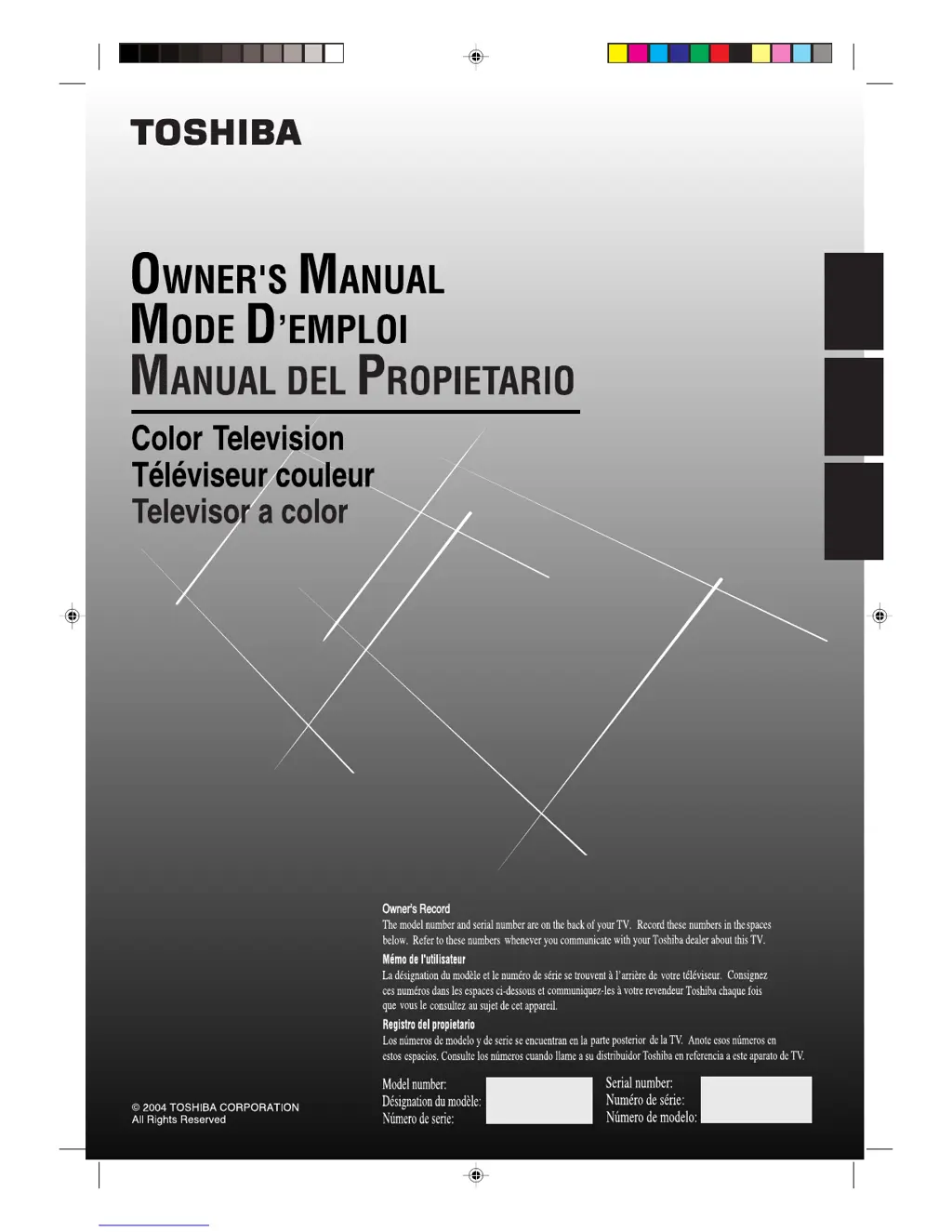
Toshiba 19A24 - User Manual

Toshiba 19A24
46 pages
Print Icon
To Next Page IconTo Next Page
Loading...
19A24
FRANÇAIS ENGLISH
ESPAÑOL
ENGLISH
3M21501A-E COVER 13/2/04, 2:141

Table of Contents

Other manuals for Toshiba 19A24

Questions and Answers

  • A
    Alicia OchoaAug 17, 2025
    Why is my Toshiba 19A24 TV remote not working?
    • K
      Kenneth CallahanAug 17, 2025
      If your Toshiba TV remote isn't working, the batteries might be weak, dead, or inserted incorrectly; try replacing them. Also, make sure you are within 15 feet of the TV and that the remote is aimed at the sensor without any obstructions. Ensure the TV is plugged in.
  • R
    Ronald FergusonAug 20, 2025
    What to do if my Toshiba 19A24 TV has poor picture or no picture?
    • L
      lorrainerodriguezAug 20, 2025
      If your Toshiba TV has a poor or no picture, try tuning to another station in case the current station or CATV is experiencing problems. Ensure channels are set into memory. Check the antenna or CATV connections and adjust the antenna. Also, check for sources of possible interference and picture control adjustments. Finally, press CAP/TEXT to turn off the closed caption mode.
  • K
    Karen SalazarAug 22, 2025
    How to fix a Toshiba 19A24 TV that does not operate?
    • J
      Joseph BryantAug 23, 2025
      If your Toshiba TV does not operate, make sure the power cord is plugged in and try another AC outlet. Check the fuse or circuit breaker. You can also try unplugging the unit for an hour, then plugging it back in.
  • T
    Tammy Berry DDSAug 26, 2025
    What to do if my Toshiba 19A24 has poor reception on some channels?
    • T
      Toni HaydenAug 26, 2025
      If your Toshiba TV has poor reception on some channels, try tuning to another station in case the current station or CATV is experiencing problems. Ensure channels are set into memory. If the station is weak, adjust the antenna to receive the desired station. Also, check for sources of possible interference.
  • C
    christian09Aug 28, 2025
    Why does my Toshiba 19A24 TV shut off by itself?
    • K
      Kathryn MoralesAug 28, 2025
      Your Toshiba TV might be shutting off because there is no broadcast on the tuned station. Another reason could be that the Sleep Timer is set, so change the Sleep Timer setting. Finally, check the power supply in case of a power interruption.
  • A
    Andrew ScottAug 31, 2025
    Why is there no CATV reception on my Toshiba TV?
    • D
      Donald FoxAug 31, 2025
      If you're not getting any CATV reception on your Toshiba TV, the station or CATV system might be experiencing problems, so try another station. Check all CATV connections. Also, ensure that the TV/CABLE menu option is set to the CABLE mode.
  • L
    Lori FosterSep 2, 2025
    How to fix poor color or no color on Toshiba TV?
    • T
      Terry SmithSep 3, 2025
      If your Toshiba TV has poor or no color, try tuning to another station in case the current station or CATV is experiencing problems. Ensure channels are set into memory. Check the picture control adjustments. Also, check the antenna or CATV connection and adjust the antenna.
  • O
    Olivia SerranoSep 5, 2025
    How to fix closed caption if it is not activated on Toshiba TV?
    • T
      Tamara MartinezSep 5, 2025
      If closed caption is not activated on your Toshiba TV, it might be due to the TV station experiencing problems, or the program tuned is not closed captioned; try another channel. Check the CATV connection or VHF/UHF antenna, reposition or rotate the antenna. You can also press CAP/TEXT to turn on the closed caption decoder.
  • V
    valerieunderwoodSep 8, 2025
    What to do if there is no reception above channel 13 on Toshiba TV?
    • J
      John EdwardsSep 8, 2025
      If you're not getting reception above channel 13 on your Toshiba TV, make sure the TV/CABLE menu option is in the appropriate mode. If using an antenna, check the UHF antenna connections.
  • M
    Michael SalinasSep 12, 2025
    How to get rid of horizontal or diagonal bars on Toshiba 19A24 TV screen?
    • R
      Randy JamesSep 12, 2025
      If you're seeing horizontal or diagonal bars on your Toshiba TV screen, check the antenna connections and reorient the antenna. Also, check for sources of possible interference.

Summary

Owners Record and Contact Info

Safety Precautions and Warnings

General Safety Warnings

Critical warnings about fire, electric shock, and proper usage to prevent hazards and ensure safety.

Child Safety and TV Stability

Recommendations for safe placement and securing of TVs to prevent injuries to children.

Important Safety Instructions

General Usage, Cleaning, and Care

Guidelines for safe operation, cleaning, placement, and maintenance of the apparatus.

Installation and Safe Placement

Recommendations for safely installing and positioning the TV to prevent damage or injury.

Continued Safety and Service Guidelines

Electrical Safety and Operation

Guidelines for power source, grounding, and handling electrical hazards during operation.

Servicing and Safety Procedures

Instructions for seeking professional service and safety measures during repair or end-of-life disposal.

Antenna, Cable, and Connection Guides

Channel Management and Picture Adjustment

Special TV Features: Captions and V-Chip

Troubleshooting, Specifications, and Accessories

Troubleshooting Common Issues

Common symptoms and their possible solutions for TV operational issues.

United States Warranty Information

US Warranty Terms and Limitations

Details on labor, parts, and picture tube warranties for US customers, including limitations.

Canada Warranty Information

Canada Warranty Terms and Limitations

Details on labor, parts, and picture tube warranties for Canadian customers, including limitations.

Toshiba 19A24 Specifications

General IconGeneral
Screen Size19 inches
HDMI Ports1
USB Ports1
Aspect Ratio16:9
Resolution1366 x 768
Weight3.6 kg
Input PortsVGA

Related product manuals