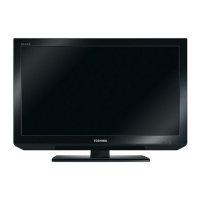
Fig.3 Plugging USB Mass-storage device into the USB slot on the TV (Actual view)
3.
Turn TV on, then a software updating wizard will be displayed. Select "YES" and press
"OK" button on the remote control to start the updating.
Fig.4 Updating Wizard
4. Upon completion, the display will show the message.
Fig.5 Updating completion
How to update using a USB Mass
file://C:\Documents and Settings\Admin\
19AV605PG Ver. 2.00\html\!



 To Next Page
 Loading...