EasyManua.ls Logo

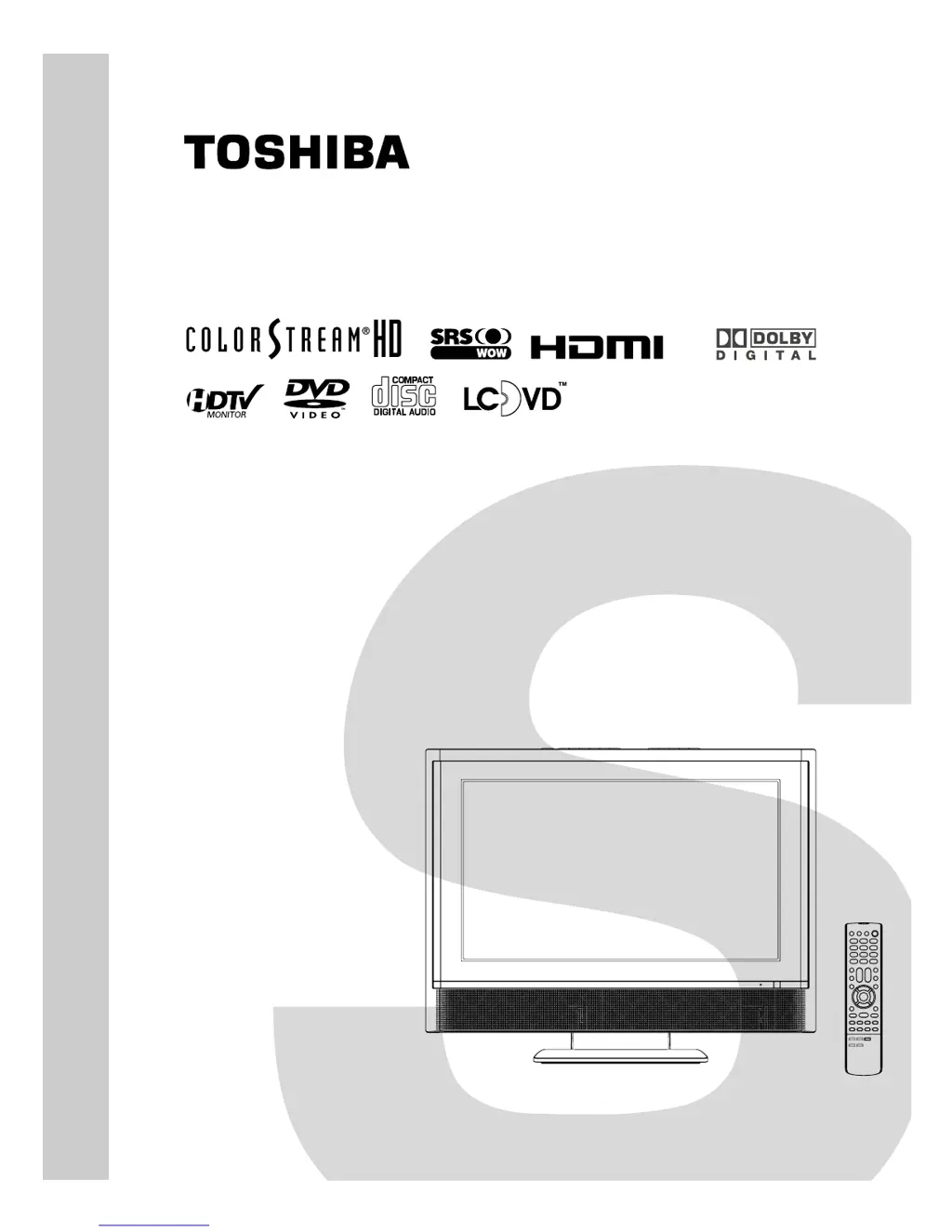
Toshiba 20HLV15 - User Manual

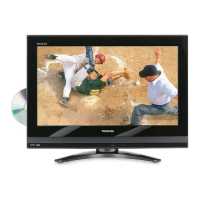
Toshiba 20HLV15
97 pages
Print Icon
To Next Page IconTo Next Page
Loading...
SERVICE MANUAL
LCD TV/DVD
DOCUMENT CREATED IN JAPAN, July, 2005
20HLV15
FILE NO. 810-200556
Rev. 01

Table of Contents

Questions and Answers

  • A
    Alejandro GutierrezDec 1, 2025
    Why is picture and sound out of sync on Toshiba TV DVD Combo?
    • W
      Willie SotoDec 1, 2025
      If the picture and sound are out of sync on your Toshiba TV DVD Combo, and the TV is connected to an external A/V device, use the Color Stream video jacks and corresponding audio jacks or the HDMI input for connection. If the TV is connected to an A/V receiver that has a programmable audio delay feature, use this feature to synchronize the sound to the picture. If connected to a video game system and your TV has the Game Mode feature, enable this feature. If you notice this phenomenon only on certain TV channels, please contact your local broadcast, cable, or satellite provider to inform them of this issue. This can be caused by various factors including video processing within the TV, video processing in an attached gaming system, and video processing/different compression rates used by b...
  • J
    Judy StevensAug 25, 2025
    What to do if unit or remote key is not functioning on Toshiba TV DVD Combo?
    • M
      Melvin RodriguezAug 25, 2025
      If the unit or remote operation key is not functioning on your Toshiba TV DVD Combo, turn off the unit and unplug the AC power cord for several minutes, then replug it to reset the system.
  • S
    Susan HawkinsAug 25, 2025
    How to fix Toshiba TV DVD Combo that will not turn on?
    • M
      Michael FlynnAug 26, 2025
      If your Toshiba TV DVD Combo won't turn on, ensure that the AC adapter and AC cord are properly connected. Then, press the POWER button. Also, check the remote control batteries and replace them if they are dead.
  • J
    John WuAug 27, 2025
    What to do if my Toshiba TV DVD Combo has no picture and sound?
    • J
      Joe GordonAug 27, 2025
      If your Toshiba TV DVD Combo has no picture and no sound, verify the antenna and cable connections to ensure they are secure.
  • C
    Caroline AllenAug 27, 2025
    Why there is no sound on my Toshiba TV DVD Combo but the picture is fine?
    • C
      catherinejohnsonAug 27, 2025
      If your Toshiba TV DVD Combo has no sound but the picture is OK, first, ensure that the sound is not muted by pressing the VOLUME button. If that doesn't work, the station may be experiencing broadcast difficulties, so try changing to another channel. Finally, the MTS feature may be in SAP mode; select STR or MONO in the MTS menu.
  • S
    Sydney BruceSep 14, 2025
    Why is there no surround sound on my Toshiba TV DVD Combo?
    • C
      Charles LongSep 15, 2025
      If you're not getting surround sound from your Toshiba TV DVD Combo, the setup may not match your stereo system. Review your connections and settings.
  • K
    keith83Sep 12, 2025
    Why there is no picture on Toshiba TV DVD Combo during DVD playback?
    • I
      iandersenSep 12, 2025
      If there is no picture on your Toshiba TV DVD Combo during DVD playback, ensure that the TV/DVD selector is set correctly.
  • L
    laurahorneSep 13, 2025
    How to enable on-screen display on Toshiba TV DVD Combo?
    • C
      ceatonSep 14, 2025
      If there is no on-screen display on your Toshiba TV DVD Combo, select Display On in the settings.
  • C
    Claudia LewisSep 5, 2025
    How to resolve poor color on Toshiba TV DVD Combo?
    • W
      wrightmelissaSep 5, 2025
      If you are experiencing poor color or no color on your Toshiba TV DVD Combo, the station might be having broadcast difficulties, so try changing to another channel. If that doesn't resolve the issue, adjust the TINT and/or COLOR settings in the PICTURE menu.
  • C
    Carl DudleySep 3, 2025
    Why can't I access signal input sources on my Toshiba TV DVD Combo?
    • S
      Sarah HubbardSep 3, 2025
      If you cannot access signal input sources (Video1, Video2, ColorStream HD, HDMI, and PC) and/or Channels 3 and 4 on your Toshiba TV DVD Combo, check the VIDEO LOCK feature to ensure it is not enabled.

Toshiba 20HLV15 Specifications

General IconGeneral
Screen Size20 inches
DVD PlayerYes
Aspect Ratio16:9
Display TechnologyLCD
HDMI Input1
USB PortNo
Built-in SpeakersYes
Resolution1366 x 768
InputsComposite, RF

Related product manuals