Introduction / Getting started
• YoualsocanusethecontrolsontheTVifthey
havethesamenameasthosereferredtoon
theremotecontrol.
• Pleasereadallsafetyandoperating
instructionsinthismanualcarefully,andkeep
thismanualforfuturereference.
Important Safety Instructions
Besuretoobservethefollowinginstructionsand
precautionstoensuresafeuseofthisTV.
Installation
1)
WARNING: To prevent injury, this apparatus
must be securely attached to the floor/wall in
accordance with the installation instructions.
Install the TV in a horizontal, stable
location. Attach the TV to the stand with
the mounting screw (not supplied on
24PB1 models).
• IftheTVisnotinstalledsecurely,itmaylean
orfalloverandcauseaninjury.
• Topreventinjury,usetheexclusiveoptional
standorwall-hangingbrackettoinstall
thisTVontheoororwallsecurelyin
accordancewithaqualiedtechnician.
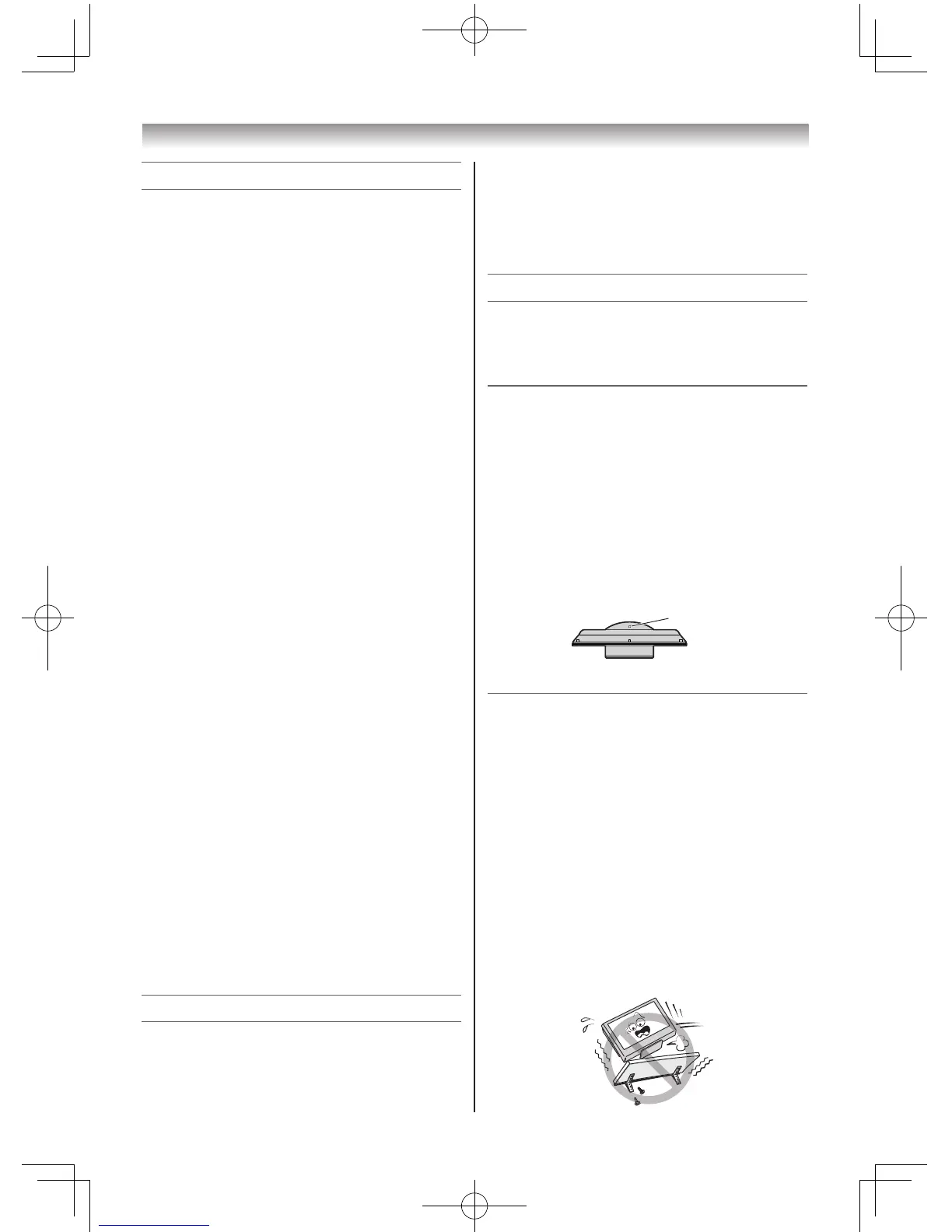
2) Never place the TV in an unstabilized
location such as on a shaky table, incline
or location subject to vibration.
• Onlyusecabinetsorstandsrecommended
bytheTVmanufacturer.
• Onlyusefurniturethatcansafelysupport
theTV.
• EnsurethattheTVisnothangingoverthe
edgeofthesupportingfurniture.
• NeverplacetheTVontallfurniture(for
example,cupboardsorbookcases)without
anchoringboththefurnitureandtheTVtoa
suitablesupport.
• NeverstandtheTVonclothorother
materialplacedbetweentheTVand
supportingfurniture.
TheTVmaydroporfalloff,whichmaycause
aninjuryordamage.
Contents
Introduction / Getting started
Connectinganaerial.............................. 7
ExploringyournewTV........................... 7
TVfrontandsidepanelcontrols............ 7
TVbackpanelconnections.................... 8
Learningabouttheremotecontrol......... 9
TurningtheTVon................................. 10
TuningtheTVforthersttime............. 10
UsingtheQuickMenu.......................... 11
Learningaboutthemenusystem......... 11
WatchingTVprogrammes.................... 12
Programmingchannelsinto
theTV’schannelmemory..................... 12
Selectingthevideoinput
sourcetoview...................................... 14
ChannelList......................................... 14
Using the TV’s features
Pictureadjustment............................... 15
Soundadjustment................................ 18
Otherfeaturessettings......................... 19
Teletext................................................. 20
Connecting your TV
Backconnections................................. 23
ConnectingHDMIorDVIdevices......... 23
SelectingthePC/HDMIAudiomode.... 24
SettingtheHDMIAudiomode.............. 24
Connectingacomputer........................ 25
UsingthePCSettings.......................... 26
UsingtheMediaPlayer........................ 26
Reference section
Troubleshooting.................................... 29
Broadcastsystem................................. 29
Specications....................................... 30
Welcome to Toshiba
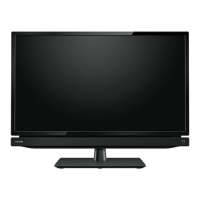
•ThankyouforpurchasingthisToshibaLCD
ColourTV.Thismanualwillhelpyouusethe
excitingfeaturesofyournewTV.
• Instructionsinthismanualarebasedonusing
theremotecontrol.



 To Next Page
 Loading...