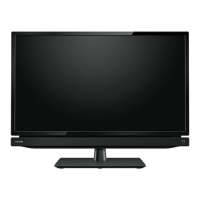
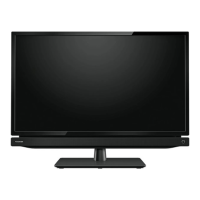
Cleaning
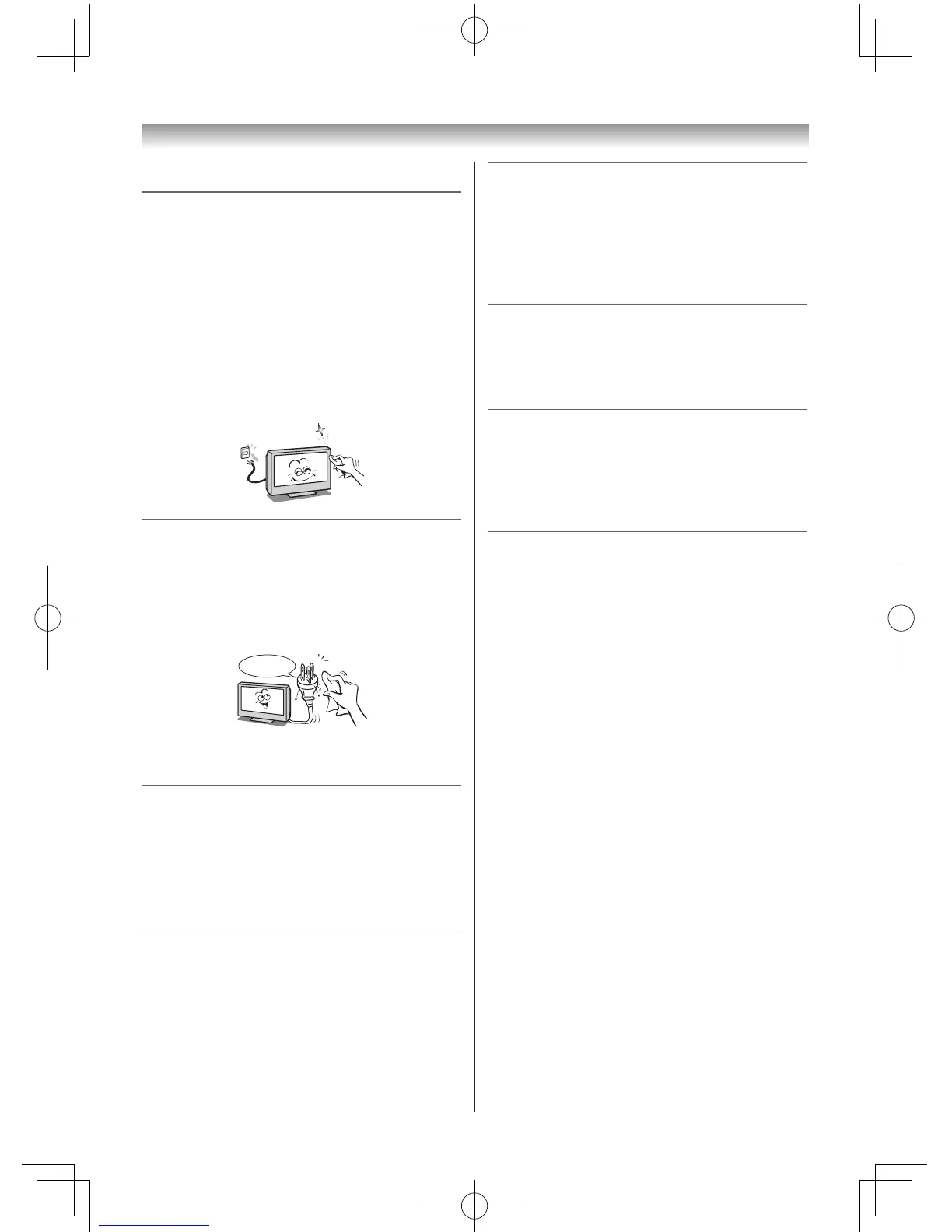
1) Remove the power plug before cleaning.
Neverusesolventssuchasbenzineorthinner
tocleantheTV.
• Thesesolventsmaydistortthecabinetor
damageitsnish.
• Ifrubberorvinylproductsremainincontact
withtheTVforalongtime,astainmay
result.
Ifthecabinetbecomesdirty,cleanitwitha
soft,drycloth.
WhencleaningthesurfaceoftheLCDdisplay,
wipethepanelsurfacegentlywithasoft,dry
cloth.
2) Periodically disconnect the power plug
from the outlet and check it.
If dust has collected on the power plug
connectors, clean off the dust with a dry
cloth.
Thisdustmaycauseareduetoreduced
insulationontheplug.
Important information
1) About LCD screen
• IfyouhavetheLCDscreenfacingtothe
sun,theLCDscreenwillbedamaged.Be
awareoflocatingtheTVclosetoawindow
oroutdoors.
• NeverpresstheLCDscreenstronglyor
scratchit,andneverputanythingonit.
TheseactionswilldamagetheLCDscreen.
2) About cabinet and LCD screen
Neversprayvolatilecompoundssuchas
insecticideonthecabinetandLCDscreen.
Thismaycauseadiscolourationordamage
thecabinetandLCDscreen.
3) Some pixels of the screen do not light up
TheLCDdisplaypanelismanufactured
usinganextremelyhighlevelofprecision
technology,howeversometimessome
pixelsofthescreenmaybemissingpicture
elementsorhaveluminousspots.Thisisnot
signofmalfunction.
4) About Interference
TheLCDdisplaymaycauseinterference
inimage,sound,etc.ofotherelectronic
equipmentthatreceiveselectromagnetic
waves(e.g.AMradiosandvideoequipment).
5) About using under the low temperature
places
IfyouusetheTVintheroomof0°Corless,
thepicturebrightnessmayvaryuntilthe
LCDmonitorwarmsup.Thisisnotasignof
malfunction.
6) About afterimage
Ifastillpictureisdisplayed,anafterimage
mayremainonthescreen,howeveritwill
disappear.Thisisnotasignofmalfunction.
Exemptions
• Toshibaisnotliableforanydamagecaused
byres,naturaldisaster(suchasthunder,
earthquake,etc.),actsbythirdparties,
accidents,owner’smisuse,orusesinother
improperconditions.
• Toshibaisnotliableforincidentaldamages
(suchasprotlossorinterruptioninbusiness,
modicationorerasureofrecorddata,etc.)
causedbyuseorinabilitytouseofproduct.
• Toshibaisnotliableforanydamagecaused
byneglectoftheinstructionsdescribedinthe
owner’smanual.
• Toshibaisnotliableforanydamagecausedby
misuseormalfunctionthroughsimultaneous
useofthisproductandtheconnected
equipment.
Trademark Information
• HDMI,theHDMIlogo,andHigh-Denition
MultimediaInterfacearetrademarksor
registeredtrademarksofHDMILicensingLLC
intheUnitedStatesandothercountries.
Introduction / Getting started



 To Next Page
 Loading...