
 Need help?
Do you have a question about the Toshiba 46H84C and is the answer not in the manual?
Essential safety advice for preventing injuries to children.
Guidelines for installing, maintaining, and servicing the TV.
Enhancing picture quality by connecting DVD players via ColorStream.
Connecting DTV receivers for enhanced picture quality via ColorStream.
Connecting digital devices via HDMI for high-quality audio/video.
Connecting DVI devices using an HDMI-DVI conversion cable.
How to program the remote to control other brand devices.
Lists of codes for various brands to program the remote control.
Overview of the TV's menu structure and navigation.
Steps for automatically programming active TV channels into memory.
Procedures for aligning the red, green, and blue images for optimal picture clarity.
Using the Touch Focus feature for automatic convergence adjustment.
Detailed steps for manual convergence adjustment via the menu.
Setting up a list of preferred channels for faster access.
Displaying two programs simultaneously in split-screen mode.
Accessing and using V-Chip, CH Lock, Video Lock, and PIN functions.
How to enter the PIN code to access lock features.
Setting up V-Chip to block programs based on content ratings.
Activating or deactivating the V-Chip blocking feature.
Locking programs based on broadcast content ratings (MA, 14, PG, G).
Locking movies based on MPAA content ratings (X, NC17, R, PG13, PG, G).
Procedure to temporarily bypass program locks.
How to lock specific channels to prevent tuning.
Customizing picture settings for optimal viewing.
Fine-tuning contrast, brightness, color, tint, and sharpness.
Managing audio settings like Mute and SAP.
 General
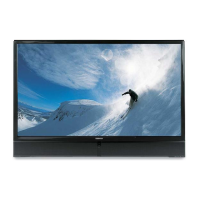
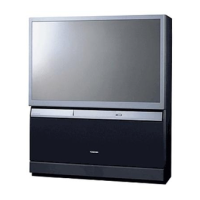
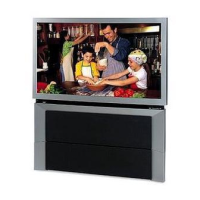
| Screen Size | 46 inches |
|---|---|
| Display Technology | CRT Projection |
| Resolution | 1080i |
| Aspect Ratio | 16:9 |
| HDTV Compatibility | Yes |
| Comb Filter | 3D Y/C Digital |
| Speakers | Yes |
| Remote Control | Yes |
| Sound Output | 20 W |
| Inputs | Component, S-Video |





 To Next Page