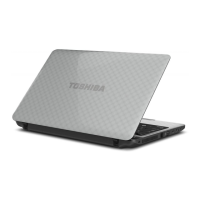
Battery lock Slide the battery lock to release the battery pack
ready for removal.
Battery release latch Slide and hold this latch into its "Unlock" position
in order to release the battery pack for removal.
For more detailed information on removing the
battery pack, refer to the Battery section.
Cooling vents The cooling vents help the processor to avoid
overheating.
Do not block the cooling vents. Keep foreign metal objects, such as
screws, staples, and paper clips, out of the cooling vents. Foreign metal
objects can create a short circuit, which can cause damage and fire,
possibly resulting in serious injury.
Carefully clean the dust on the surface of the cooling vents using a soft
cloth.
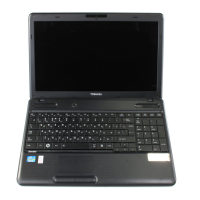
Front with the display open
This section shows the computer with the display panel open. In order to
open the display, lift up the display panel and position it at a comfortable
viewing angle for you.
Figure 3-6 The front of the computer with the display panel open
6
5
7
11
8 8
9
1
2
4
3
10
13
12
13
12
A B
User's Manual
3-6



 To Next Page
 Loading...