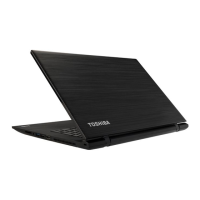
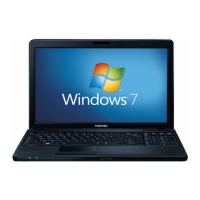
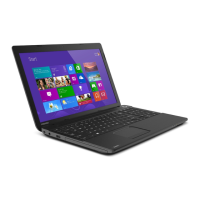
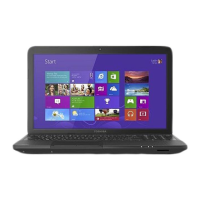
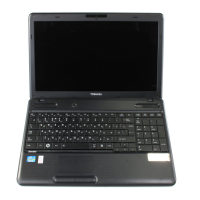
Figure 3-6 The front of the computer with the display panel open
6
5
7
11
8 8
9
1
2
4
3
10
13
12
13
12
A B
1. Microphone 8. Display hinges
2. Web Camera LED 9. Power button
3. Web Camera 10. Power indicator
4. Microphone* 11. Keyboard
5. Wireless communication antennas
(not shown)
12. Touch Pad
6. Display screen 13. Touch Pad control buttons
7. Stereo speakers
* Provided with some models.
Product appearance depends on the model you purchased.
Microphone The built-in microphone allows you to import and
record sounds for your application - please refer
to the Sound System and Video mode section for
more information.
Web Camera LED The Web Camera LED glows when the Web
Camera is operating.
Web Camera Web Camera is a device that allows you to
record video or take photographs with your
computer. You can use it for video chatting or
video conferences using a communication tool.
Do not point the web camera directly at the sun.
User's Manual 3-7



 To Next Page
 Loading...