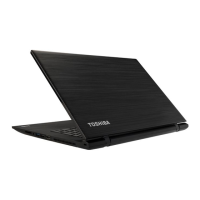
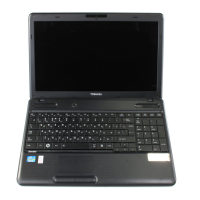
Figure 4-11 Security lock
1. Security lock slot 2. Security lock
Product appearance depends on the model you purchased.
Optional TOSHIBA Accessories
You are able to add a number of options and accessories in order to make
your computer even more powerful and convenient to use. For reference,
the following list details some of the items that are available from your
reseller or TOSHIBA dealer:
Universal AC Adaptor If you frequently use your computer at more than
one site, it may be convenient to purchase an
additional AC adaptor to be kept at each site in
order to remove the need to always carry the
adaptor with you.
Battery pack An additional battery pack can be purchased for
use as either a spare or replacement. Please
refer to the Battery section for further information.
Sound System and Video mode
This section describes some of the audio control functions.
Volume Mixer
The Volume Mixer utility lets you control the audio volume for playback of
devices and applications under Windows.
To launch the Volume Mixer utility, right click on the speaker icon on
the Windows Taskbar, and then select Open Volume Mixer from the
sub menu.
To adjust the volume level of speakers or headphones, move the
Speakers slider.
To adjust the volume level of an application that you are using, move
the slider for the corresponding application.
User's Manual
4-33



 To Next Page
 Loading...