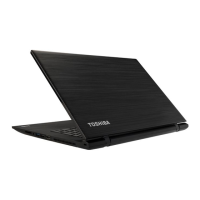
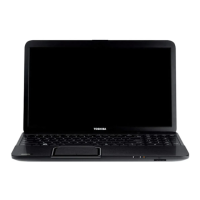
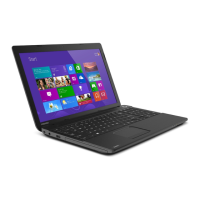
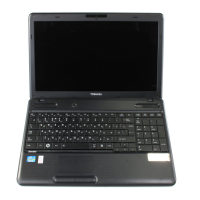
Figure 3-6 The front of the computer with the display panel open
1. Wireless communication antennas
(not shown)*
8. Keyboard
2. Microphone* 9. Stereo speakers
3. Web Camera LED* 10. Power button
4. Web Camera* 11. Touch Pad
5. Microphone* 12. Touch Pad control button
6. Display screen 13. Touch Pad control button
7. Display hinges 14. Touch Pad ON/OFF indicator
* Provided with some models.
Product appearance depends on the model you purchased.
Wireless
communication
antennas
Some computers in this series are equipped with
the Wireless LAN/Bluetooth antennas.
User's Manual 3-7



 To Next Page
 Loading...