User Information Guide 7
English
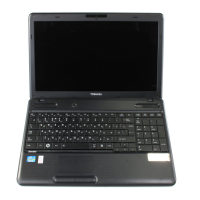
Keyboard Features
The keyboard on your computer provides several buttons to help you quickly access common functions.
Button Description Button Description
Go to the previous page. Decrease screen brightness.
Go to the next page. Increase screen brightness.
Reload your current page. Mute the sound.
Maximize your window. Decrease the volume.
Go to the thumbnails of all your
open apps.
Increase the volume.
■ Power on/off the computer.
■ Lock the screen: press until the
sign-in screen appears.
Search the apps from the App list.



 To Next Page
 Loading...