User’s Manual 2-9
L450/L450D
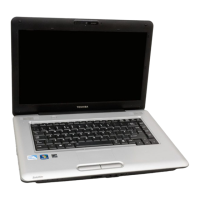
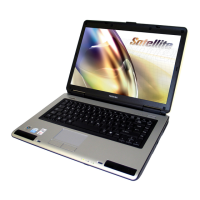
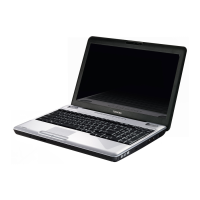
Touch Pad The Touch Pad mouse control device located in
the center of the palm rest is used to control the
movement of the on-screen pointer. For more
information, please refer to the Using the Touch
Pad section in Chapter 4, Operating Basics.
Touch Pad control
buttons
The control buttons located below the Touch Pad
allow you to select menu items or manipulate text
and graphics as designated by the on-screen
pointer.
Power button Press this button to turn the computer’s power on
and off.
System indicators These LED indicators allow you to monitor the
status of various computer functions and are
described in more detail within the System
indicators section.


 To Next Page
 Loading...