–53–
8 Advanced settings
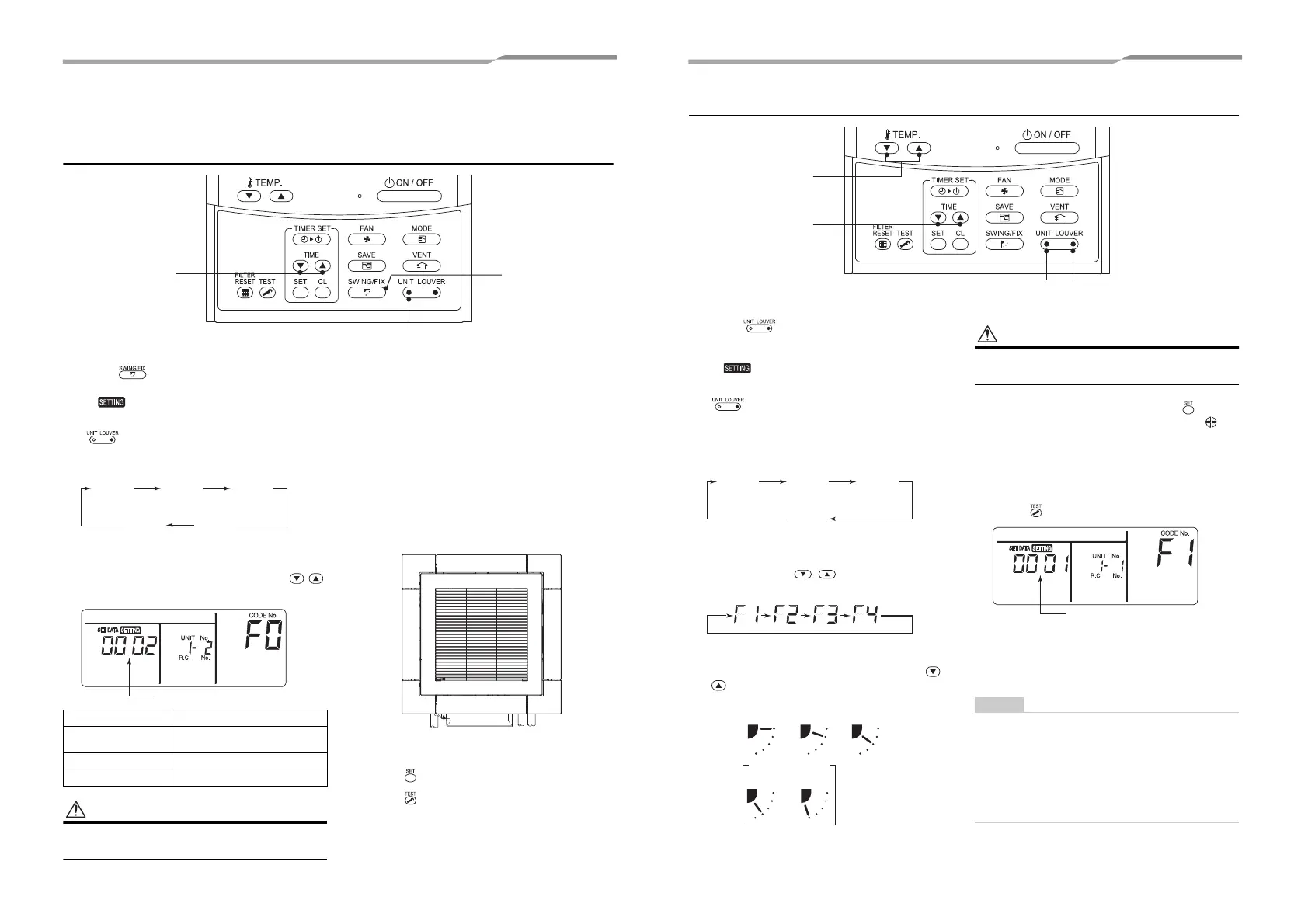
How to set up swing type
1 Push for at least four seconds when
the air conditioner is not working.
• , symbol, and numbers flash.
2 Select an indoor unit to be set by pushing
(left side of the button).
• Each time you push the button, unit numbers
change as follows:
The fan of the selected unit runs and the louvers
start swinging.
3 Select a swing type by pushing TIME
buttons.
Do not set the swing setup code to “0000”.
(This setting may cause a failure of the louvers.)
• Standard swing
The four louvers swing in the same direction.
• About “Dual swing”
“Dual swing” means that louvers 01 and 03 are
directed and swing in one direction, and/then louvers
02 and 04 are directed and swing in the opposite
direction.
(When louver 01 is directed downward, louver 02 is
directed horizontally.)
• About “Cycle swing”
The four louvers swing independently at respective
timings.
4 Push button.
5 Push button to complete the setting.
Swing setup code Swing of louvers
0001
Standard swing
(Factory default)
0002 Dual swing
0003 Cycle swing
Not
display
Unit No.
1-1
Unit No.
1-2
Unit No.
1-3
Unit No.
1-4
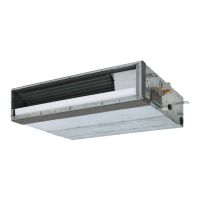
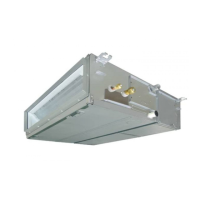
Drain pipe
Refrigerant pipe
How to set up louver lock (No swing)
1 Push (right side of the button) for at
least four seconds when the air conditioner
is not working.
• , symbol, and numbers flash.
2 Select an indoor unit to be set by pushing
(left side of the button).
• Each time you push the button, unit numbers
change as follows:
The fan of the selected unit runs and the louvers
start swinging.
3
Display the number of a louver you want to
lock on the temperature display section by
pushing TEMP. buttons.
• The selected louver starts swinging.
4 Select the wind direction of the louver you
do not want to swing by pushing TIME
buttons.
When (4) or (5) is selected, dew drop may occur during
cooling mode.
5 Determine the setting by pushing button.
• When the setting has been determined,
lights up.
(To continue louver lock settings for other indoor
units, repeat from step 2. To continue louver
lock settings for other louvers on the same
indoor unit, repeat from step 3.)
6 Push button to complete the setting.
• A louver number is displayed as F1, F2 on the
remote controller (Item Code), showing that
louver 01, 02 shown in the figure on the previous
page is selected.
Even when louvers are locked, they move temporarily
in the following cases:
• While the air conditioner is stopping
• At the beginning of heating operation
• During defrosting operation
• When the room temperature reached the set
temperature
Unit No.
1-1
Unit No.
1-2
Unit No.
1-3
Unit No.
1-4
(1)
0001
(2)
0002
(3)
0003
(5)
0005
(4)
0004
0001-0005
(Louver lock position code)
105-EN 106-EN





 To Next Page