EasyManua.ls Logo

Toshiba SD-V383SC - User Manual

Toshiba SD-V383SC
42 pages
Print Icon
To Next Page IconTo Next Page
Loading...
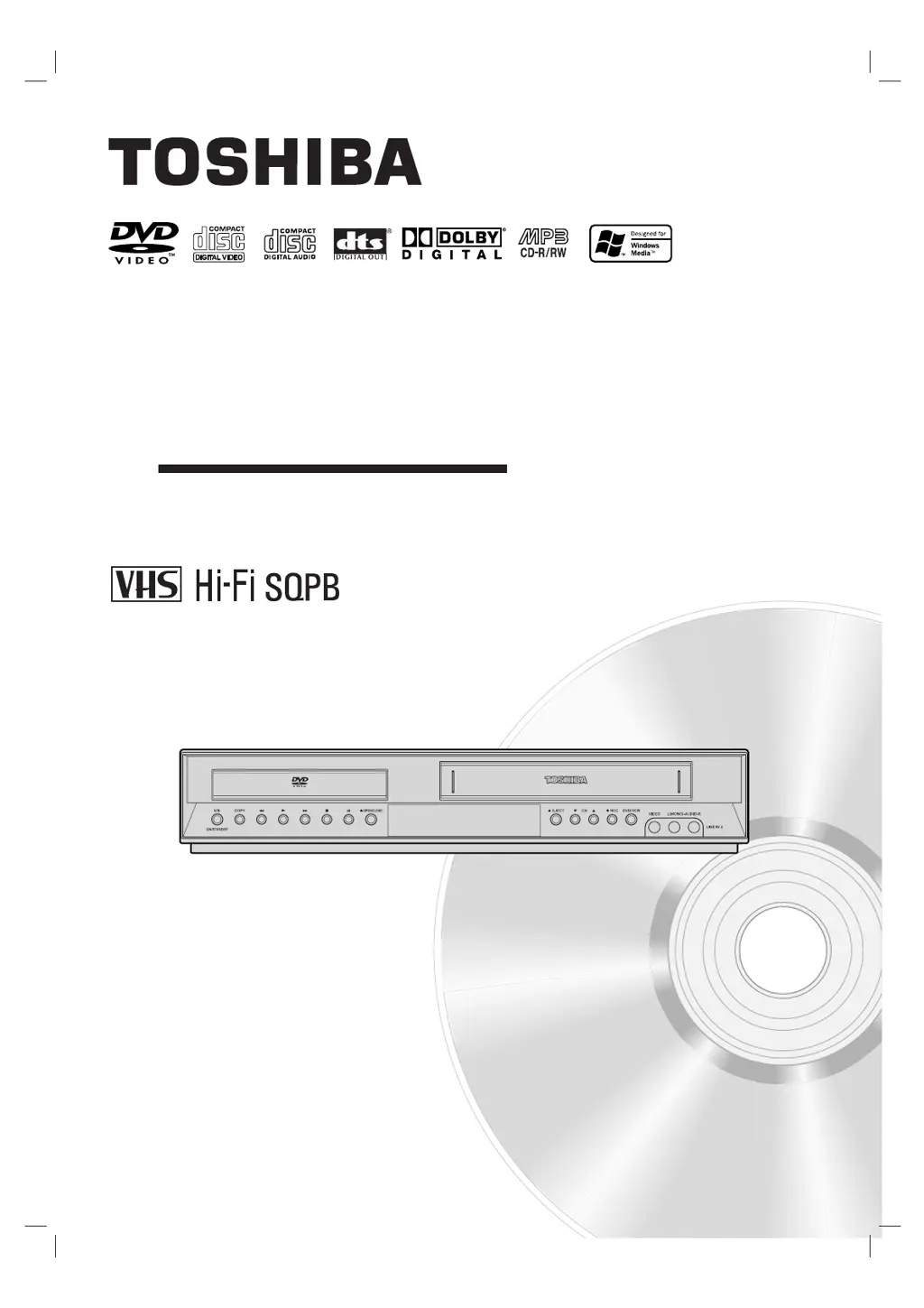
SD-V383SC
OWNER’S MANUAL
DVD VIDEO PLAYER &
VIDEO CASSETTE RECORDER
Before connecting, operating or adjusting this product,
please read this instruction booklet carefully and completely.
©2005 Toshiba Corporation
This device does not tape-record copy protected DVD Video Discs.
SD-V383SC_NA1CTT_RV0004Q_ENG

Table of Contents

Questions and Answers

  • J
    Justin HoltAug 9, 2025
    Why is my Toshiba SD-V383SC remote control not working properly?
    • J
      jgrahamAug 9, 2025
      If your Toshiba Dvd video player remote control isn't working, first, check for any obstructions between the remote and the unit and remove them. If there are no obstacles, replace the batteries with new ones. Ensure that you are pointing the remote control at the remote sensor of the DVD+VCR within a distance of 23ft (7m). Also, remember that this remote control uses the same buttons for VCR and DVD functions, so when using a VCR, first press the VCR button and when using a DVD, first press the DVD button.
  • P
    perezgregoryAug 15, 2025
    What to do if my Toshiba SD-V383SC does not start playback?
    • A
      Aaron FarleyAug 15, 2025
      If your Toshiba Dvd video player does not start playback, it might be due to several reasons. First, ensure that you have inserted a playable disc, checking its type and regional code. Make sure the disc is placed with the playback side down and correctly within the guide on the disc tray. Also, verify that the disc is clean. Finally, check if the Rating level is set and, if so, cancel the Rating function or change the rating level.
  • D
    Debra MartinezAug 21, 2025
    How to fix no Hi-Fi sound on Toshiba SD-V383SC Dvd video player?
    • J
      Judy CoxAug 21, 2025
      If you're not getting Hi-Fi sound from your Toshiba Dvd video player, the audio mode might not be set properly. To fix this, select STEREO by repeatedly pressing the AUDIO button on the remote control.
  • J
    jose12Aug 27, 2025
    What to do if camcorder image is not shown on Toshiba SD-V383SC Dvd video player?
    • K
      Katherine HendersonAug 27, 2025
      If you can't get the camcorder image to show on your Toshiba Dvd video player, make sure the camcorder is turned on and operating properly. Also, ensure that the DVD+VCR SOURCE SELECT is set to LINE1 or LINE2 by pressing INPUT SELECT to select the appropriate LINE AV input channel.
  • C
    Charles JonesSep 3, 2025
    How to fix timer recording not working on Toshiba SD-V383SC?
    • K
      kenneth58Sep 3, 2025
      If timer recording is not possible on your Toshiba Dvd video player, first set the clock to the correct time. If that does not work, reprogram the timer. Finally, reprogram the Timer and turn the DVD+VCR off to enable the timer.

Summary

Safety Precautions

IMPORTANT SAFETY INSTRUCTIONS

Before Use

Notes on Discs

Guidelines on handling, storing, and cleaning discs to ensure optimal playback quality.

Types of Playable Discs

Lists the various disc types compatible with the player, including CD, DVD, and MP3.

Regional code

Explains DVD regional code restrictions and player compatibility.

Remote Control

Connections

Connecting an Antenna or Cable TV

Instructions for connecting antennas or cable TV for signal reception.

Basic TV Connections

Guides for connecting the unit to a TV using various video and audio cables.

RF coaxial connection

How to connect the unit to a TV using an RF coaxial cable.

Audio;Video connection

Instructions for connecting the unit to a TV using composite video and stereo audio cables.

Connecting to an amplifier

Guides for connecting to amplifiers via digital stereo or multi-channel audio outputs.

Accessory Audio;Video Connections

How to connect external audio/video components to the unit's inputs.

Initial Settings - VCR

CLOCK

Instructions for setting the time and date using Auto Clock or Manual Clock.

Initial Settings - DVD

DISPLAY

Adjusting TV aspect ratio, display mode, progressive scan, and video output.

AUDIO

Configuring audio output settings like Dolby Digital, DTS, MPEG, sample frequency, and DRC.

LOCK (Parental Control)

Setting parental control ratings, passwords, and area codes.

Password (Security Code)

How to set or change the 4-digit security code for parental controls.

Operation with tape

VCR Tape Playback

Basic steps for playing a video cassette tape.

VHS Hi-Fi Stereo; MTS Broadcast

Explanation of VHS Hi-Fi audio and MTS broadcast capabilities.

Hi-Fi Stereo Audio Sound

Requirements and setup for experiencing stereo sound from Hi-Fi tapes.

VCR Tape Recording

Basic instructions for recording TV programs onto a VHS tape.

Timer Recording

Setting unattended recordings by inputting channel, start, and end times.

One-touch Timer Recording

Recording for a preset length without using the full program timer.

Recording from External Components

Recording audio/video signals from external sources.

Copying from DVD to VCR

Step-by-step guide to copying DVD content onto a VHS tape.

Operation with DVD and Video CD

Playback Setup

Initial steps to load a disc and prepare for DVD/VCD playback.

Still Picture and Frame-by-Frame Playback

Pausing playback for a still image or advancing frame by frame on DVD/VCD.

Special DVD Features

Accessing DVD features like menus, angles, audio, and subtitles.

Maintenance and Service

Guidance on handling, cleaning, and maintaining the unit.

Playing an Audio CD or MP3;WMA Disc

Audio CD

How to play standard audio CDs and select tracks.

MP3; WMA

Playing MP3 and WMA files from discs, including folder navigation.

Programmed Playback

Storing favorite tracks to create a custom playback order.

Viewing a JPEG Disc

Troubleshooting

No power

Solutions for power issues, including checking cord and button status.

The power is on, but the DVD+VCR does not work

Troubleshooting steps for unresponsive unit after powering on.

No picture

Steps to resolve no video signal issues, checking cables and TV input.

No sound

Solutions for audio problems, checking connections and settings.

The playback picture is poor

Tips for improving poor picture quality, like cleaning discs or adjusting tracking.

The PROGRESSIVE SCAN MODE message remains to be displayed

How to resolve issues with the progressive scan mode message.

The DVD+VCR does not start playback

Reasons and solutions for playback not starting, such as disc issues or rating settings.

The remote control does not work properly

Troubleshooting remote control issues, including batteries and obstacles.

Timer recording is not possible

Steps to resolve timer recording issues, including clock and programming.

Specifications

Toshiba SD-V383SC Specifications

General IconGeneral
BrandToshiba
ModelSD-V383SC
CategoryDvd video player
LanguageEnglish