9
English
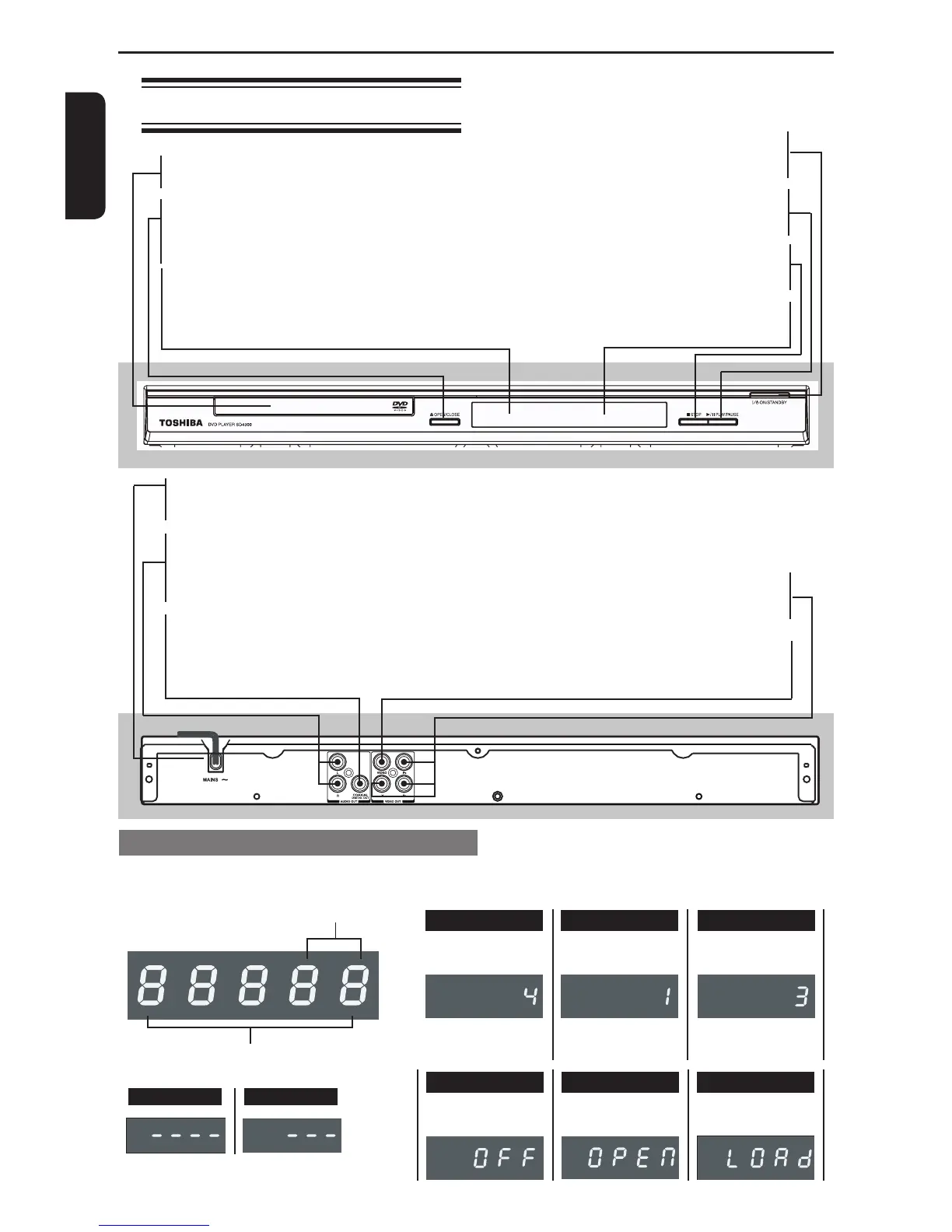
Disc tray
- Place a disc here
çOPEN/CLOSE
- Opens or closes the disc tray
IR Sensor
- Points the remote control towards this sensor
MAINS ~
- Connects to a standard AC outlet
AUDIO OUT (Left/Right)
- Connects to Audio input of a TV, an amplier,
receiver or stereo system
COAXIAL(Digital audio out)
- Connects to coaxial Audio input of a digital audio
equipment
Product Overview
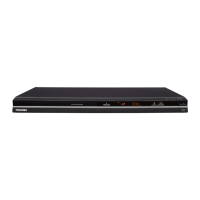
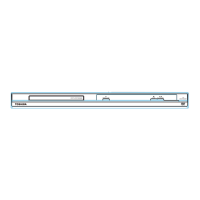
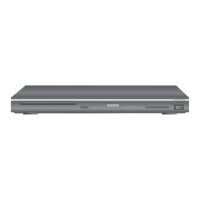
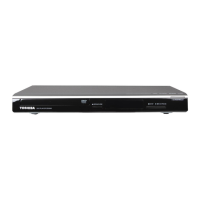
Front and Rear panels
I/2 ON/STANDBY
-Turns the player on or switches it to
standby mode
B/X PLAY/ PAUSE
-Starts or pauses playback
STOP
- Stops playback
Display
- Shows information about the current status
of the DVD Player
Y, PB, PR Component Video Out
- Connects to Y, PB, PR input of a TV
VIDEO Out (CVBS)
- Connects to CVBS Video input of a TV
The indicators vary depending on the kinds of disc you play.
No disc Bad disc
Multifunctional indicator (indicates
operating status or messages, etc.)
Chapter/Track
number indicato
r
Audio CD
•During playback:
Example
The track number is
displayed.
VIDEO CD
The track number is
displayed.
•During playback:
Example
DVD video disc
The Chapter number
is displayed.
•During playback:
Example
DVD display
"----" may also appear in other situation.
Power Off LoadingOpen


 To Next Page
 Loading...