2. Setting-Up OPC Server
16
<6> Uninstallation is completed.
Click <Close>.
Figure 2.4 Uninstall OPC Server on Windows 8.1 / Windows 7 / Windows Vista /
Windows Server 2012 R2 / Windows Server 2008 R2 / Windows Server 2008
2.3.2. On Windows Server 2003
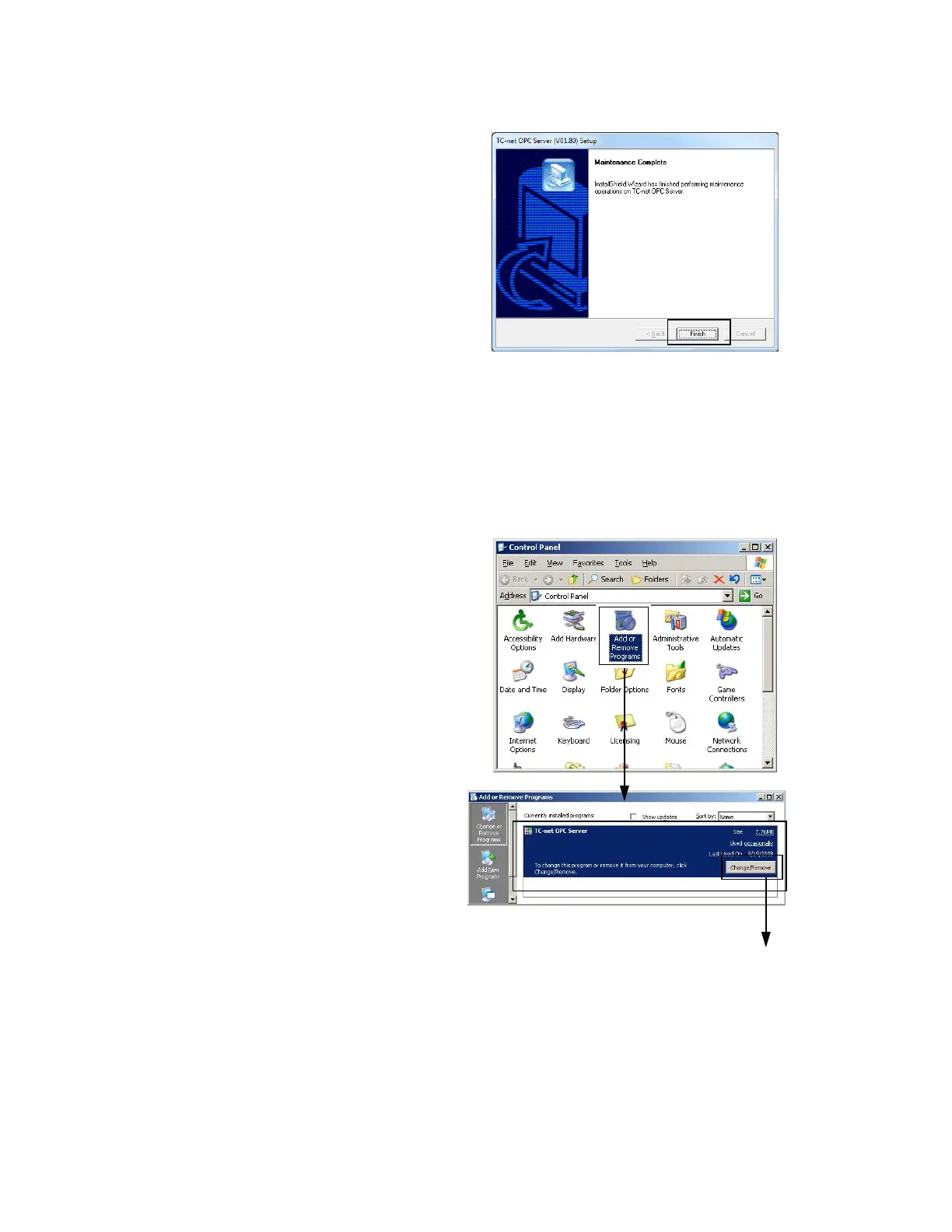
Uninstall the OPC Server with [Control Panel] – [Add or Remove Programs]
<1> Select <Add or Remove Programs>.
<2>Select “TC-net OPC Server” and Click
<Change/Remove> button.
It starts to remove program.



 To Next Page
 Loading...