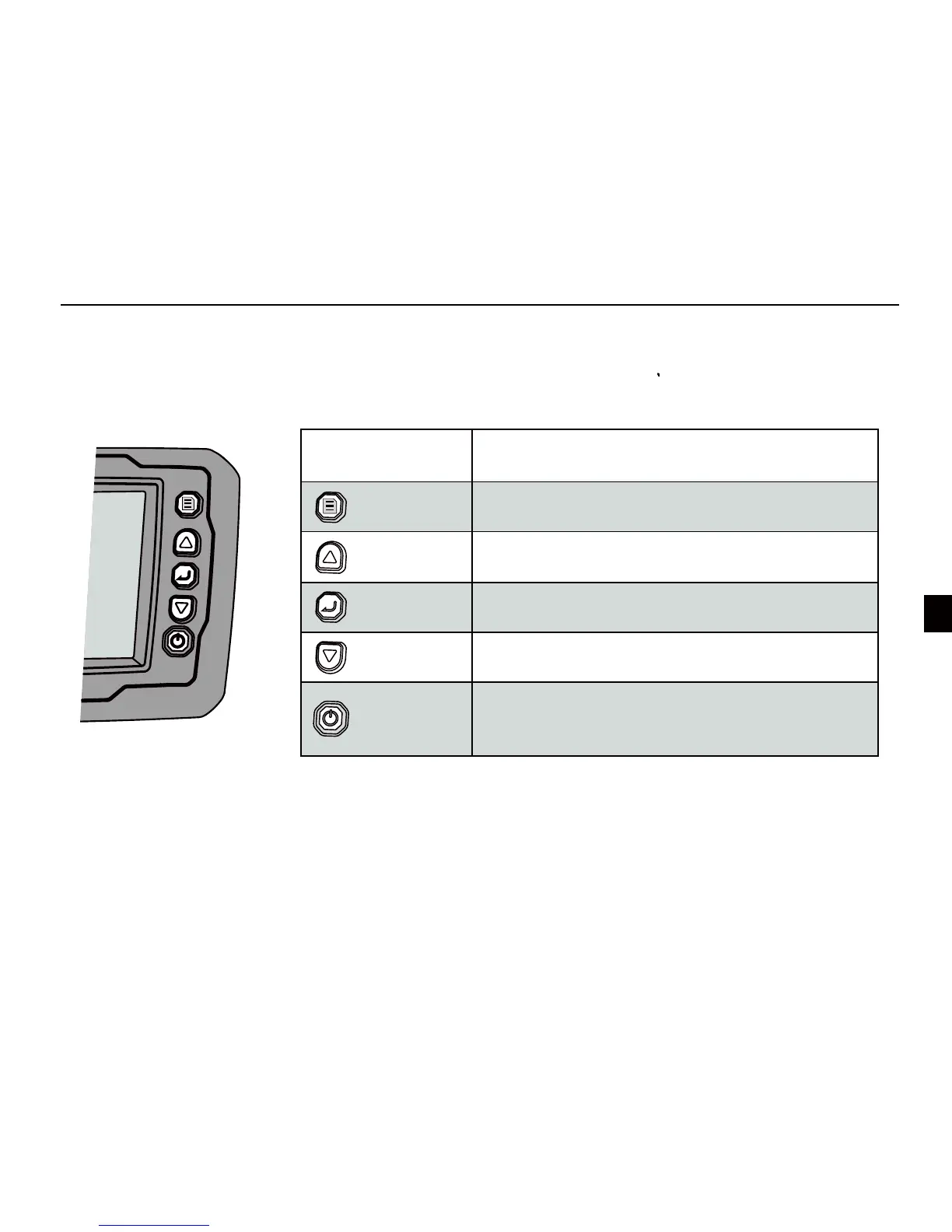
Key function
6
Key Function
[Menu]
1) Open menu settings
2) Switch between menus
[Power / Exit]
1) Power on / off the unit
2) Exit the selection or menu
3) Turn on / off the backlight
[Enter]
1) Confirm a setting / selection
2) Enter the menu settings
[Up]
1) Move up to select menu
2) Increase a value of option
1) Move down to select menu
2) Decrease a value of option
[Down]



 To Next Page