7
Take out bits
Pull the locking sleeve back and hold it while removing the bit. Use only drill bits that fit
the screw heads.
Set up
• Power on: press the ON / OFF switch
• Power off: release the ON / OFF switch
Work instructions
Stop due to overload in drilling
If the bit binds or snags, the rotation of the bit is interrupted. Due to the forces that occur,
you should always hold the machine with both hands and adopt a safe posture. The
machine should only be used with an auxiliary handle.
Auxiliary handle
You can obtain a safe position when working with the tool rotated by holding the auxiliary
knob. Loosen and turn the handle attachment counterclockwise.
To tighten the auxiliary handle:
• Loosen the thumb screw on the auxiliary handle
• Adjust the drilling depth on the depth stop.
• Retighten the thumb screw.
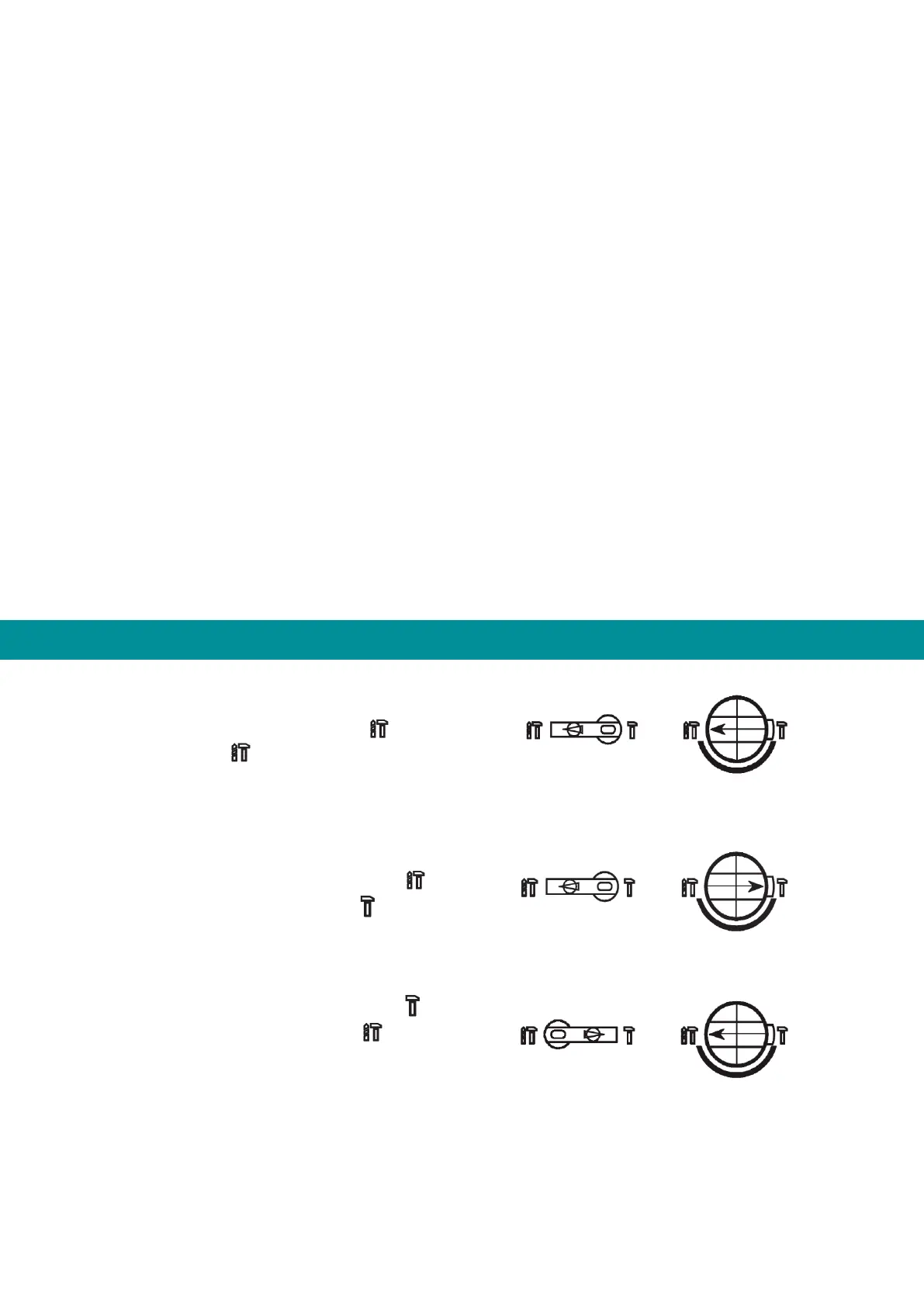
Operating modes
Hammer drilling mode
Rotate the mode selector (8) to and turn the
switch (7) to
Note: When changing operating modes, turn ON / OFF switch slightly.
Chisel mode
Turn the mode selector switch (8) to and then
turn the switch (7) to direction
Drill mode
Turn the mode selector switch (8) to and then
turn the switch (7) to direction


 To Next Page