7
Classroom
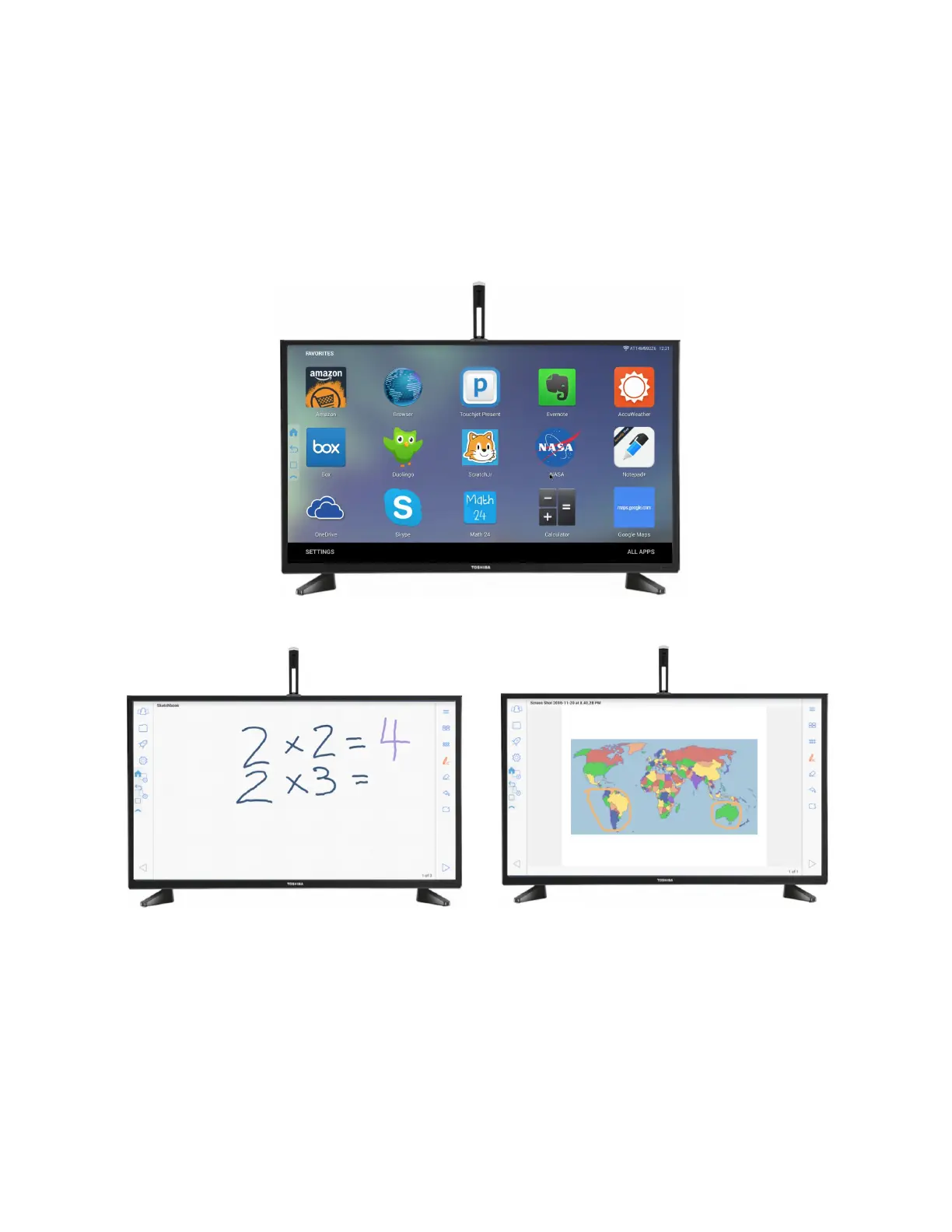
With the Touchjet WAVE™, teachers can have an affordable interactive touchscreen in
the classroom. Teachers can easily pull up lesson plans onto their classroom TV using
the Touchjet Present app. Students can participate and collaborate at their desk using
their iPads, Android tablets or Chromebooks using Touchjet Present and have their
annotations instantly shared across all screens (cross-platform).



 To Next Page