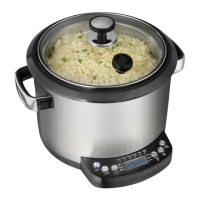
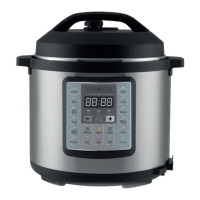
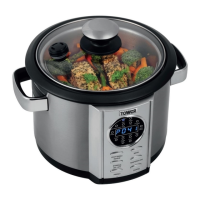
T16006 5 ltr Digital Multi Cooker
8
www.towerhousewares.co.uk
Time
1. Press the MENU button and choose a program.
2. Press TIME+ button, the time function light will flash. A short press
will add 1 minute to the cooking time, a longer press will add 10
minutes.
3. After adjusting, press START/CANCEL button and your cooker will
start to work.
Preset
1. To preset firstly choose one of the pre-selected funtions ie-: Soup,
Pilaf, Rice or Porridge by pressing the menu button repeatedly until
you get to the required product.
2. Press preset button which will display a time, you can either press
Time+ button to increase the time or Temp- to decrease the time.
Then press the START/CANCEL button and the cooker will begin
when preset time has expired
Keep Warm
1. All programs with the keep warm function will enter that mode once
the main cooking time has elapsed.
2. Press the KEEP WARM button, the indicator light will flashes and
the time shows 2 hours.
3. Press the TIME+ button, the time indicator light will flash, then press
TIME+ button or TEMPERATURE- button to set time.
A short press, will add or subtract 10 minutes, a long press will add
or subtract 1 hour. Your cooker will start the KEEP WARM mode
after 5 seconds you can adjust the time from 10 minutes to 24
hours.
Troubleshooting
LED display shows E1 Connector broken circuit
LED display shows E2 Connector short circuit
LED display shows E3 Over heat - the beeper will sound ten times.
Press CANCEL button to cancel problem and to go into standby mode.


 To Next Page