13
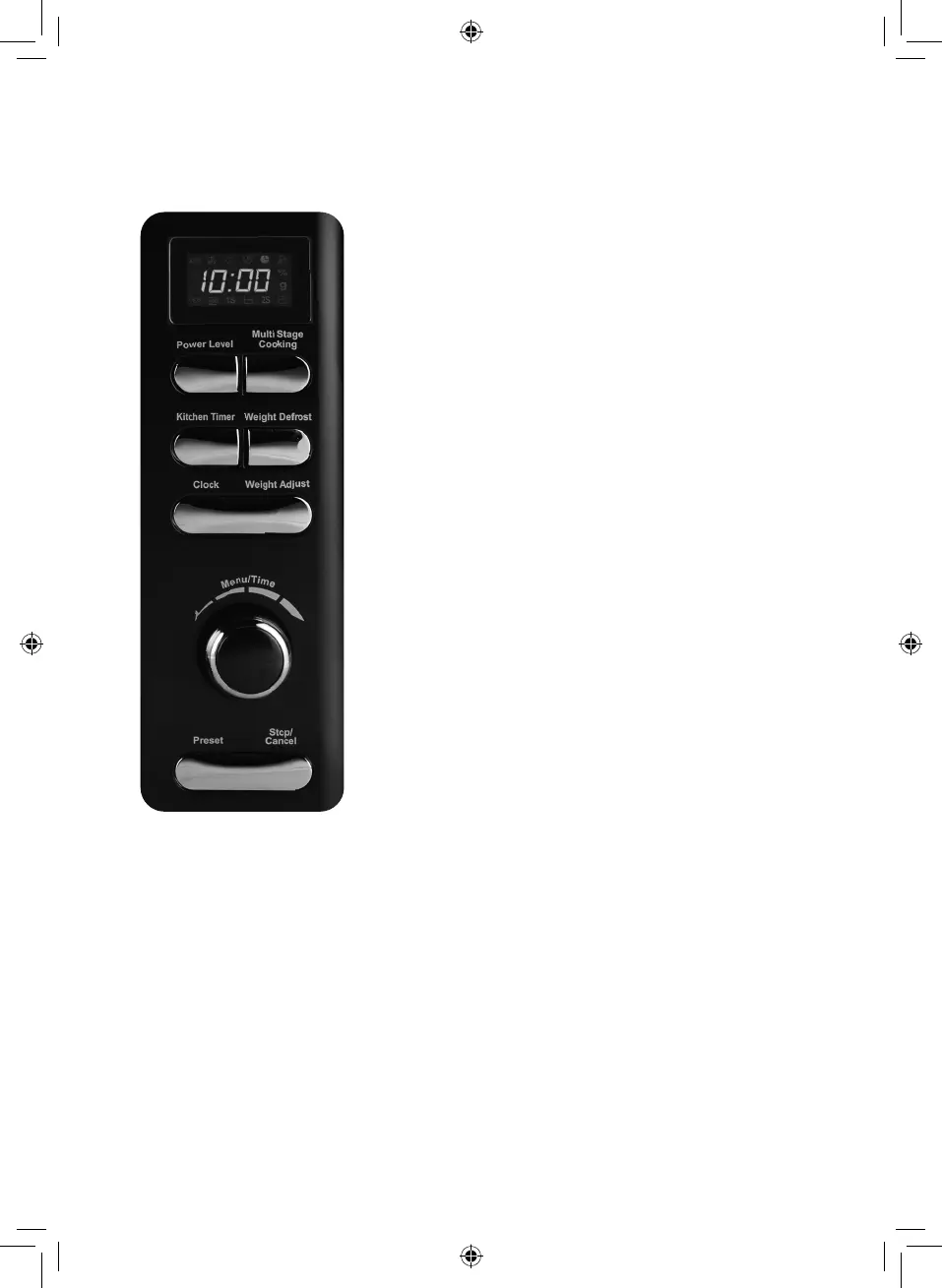
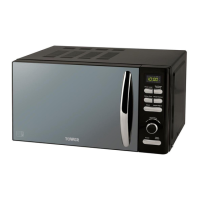
Menu action screen
Cooking time, power,
action indicators, and
clock time are displayed.
Power Level
Use to select the cooking
power level.
Multi Stage Cooking
Touch this button to
set multi-stage cooking.
Clock
Touch this button to start
setting the oven clock
and touch it again when
finished to save.
Weight defrost
Touch to defrost food by
weight.
Weight adjust
Use to select the weight
of the food.
Kitchen timer
The timer functions
independently, even
while a cooking program
is in process.
Preset
Use to set the oven to
start at a later time.
Stop/Cancel
Press to cancel a setting
or reset the oven before
setting a cooking
program. Press once to
temporarily stop cooking,
or twice to cancel
cooking altogether.
Menu/Time
Turn the dial to input
cooking time. Turn the
dial to set food type.
Start
Press the dial to start a
cooking program.
Control Panel Operation


 To Next Page