15
Auto Cook:
With the Auto Cook function you do not need to program the microwave power or
set the timer. You are only required to select the type and weight of the food.
To use Auto Cook:
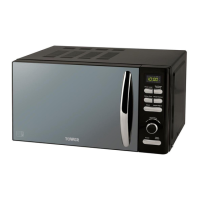
1. Turn the Menu/Time dial to the required food/cooking mode.
2. Press the Weight Adjust button to the required weight.
3. Press the Start/Quick Start button.
Auto Cook Menu:
It is always recommended to check your food during cooking. If the cooking result
is not to your taste, please adjust the cooking time accordingly.
Note: The result of auto cooking depends on factors such as the shape and size
of food, your personal preference as to the doneness of certain foods and even
how well you happen to place food in the oven.
For Spaghetti, add boiling water before cooking.
During cooking, you can view the current cooking menu by pressing the Auto
Cook button.
Weight Defrost:
The microwave has a Weight Defrost setting for defrosting meat, poultry and
seafood. The time and defrosting power are adjusted automatically once the weight
of the food has been entered.
The weight range of frozen foods is between 100g and 1800g.
1. Press the Weight Defrost button once.
2. Press the Weight Adjust button to select the required weight.
3. Press the Start/Quick Start button once.
Note: you may need to turn over the food half way through the operation.
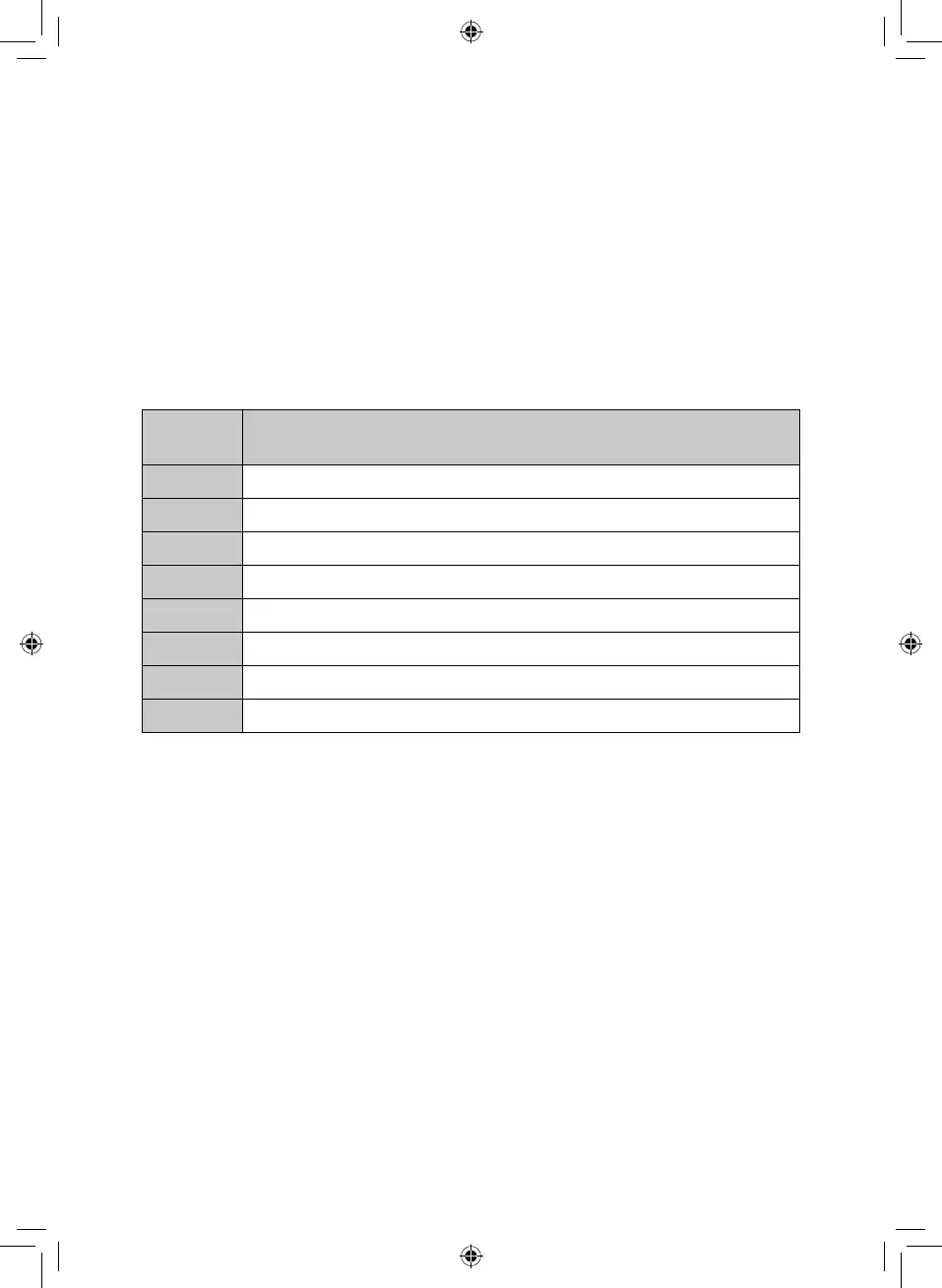
Menu
Code
Food
A-1 Milk/Coffee (200ml/cup)
A-2 Rice (g)
A-3 Spaghetti (g)
A-4 Potatoes (230g/unit)
A-5 Auto Reheat (g)
A-6 Fish (g)
A-7 Pizza (g)
A-8 Popcorn (99g)


 To Next Page